
12 Best Interview Scheduling Software in 2026 for Recruiters and HR Teams


Scheduling interviews shouldn’t be this hard. But for many recruiters and HR teams, it turns into endless email chains, calendar mix-ups, time zone confusion, and candidates dropping off because things take too long.
The good news? Interview scheduling software makes the process simple. These tools cut out the back-and-forth emails, sync calendars automatically, send reminders, and let candidates choose a time that works for them.
But with so many options available, how do you choose the right one?
We’ve tested and compared 12 of the best interview scheduling tools. Whether you’re hiring on your own or managing interviews across a large team, you’ll find an option that fits your needs.
12 Best Interview Scheduling Tools: A Quick Overview
Before we explore each tool in depth, take a look at this quick summary. It gives you a side-by-side view so you can quickly see which software might fit your hiring needs.
|
Software |
Key Feature |
Pricing Starts From |
Best For |
Free Plan |
|
Self-hosted WordPress scheduling with unlimited team members |
$79/year |
WordPress users & growing teams |
Yes |
|
|
AI-powered enterprise interview automation |
Custom (several thousand/year) |
High-volume enterprise hiring |
No |
|
|
Video interviews + structured scheduling |
Custom |
Multi-format & structured interviews |
No |
|
|
ATS with built-in scheduling |
Custom ATS pricing |
Teams using Greenhouse ATS |
No |
|
|
Simple self-scheduling with team options |
$10/user/month |
Simple & startup-friendly scheduling |
Yes |
|
|
Video interviews with AI screening |
Custom |
Video-first hiring |
No |
|
|
AI-powered video pre-screening |
Custom |
Automated early-stage screening |
No |
|
|
Affordable, customizable booking pages |
$9/month |
Budget-conscious teams |
Yes |
|
|
Full ATS + CRM + scheduling suite |
Custom |
Companies without an existing ATS |
No |
|
|
Embeddable website booking with a free tier |
$5/user/month |
Startups & embedded site booking |
Yes |
|
|
Video interviews + coding/skills assessments |
Custom (enterprise) |
Technical & enterprise hiring |
No |
|
|
Conversational AI scheduling (Olivia) |
Custom (~$1,000+/month) |
High-volume AI-driven hiring |
No |
Why Your Hiring Team Needs Scheduling Automation
Manual interview scheduling costs more than you think. Here’s what’s actually at stake:
- Time drain: Recruiters spend an average of 30 minutes scheduling each interview. Multiply that by hundreds of candidates, and you’re losing weeks of productive time.
- Candidate drop-off: Slow scheduling kills candidate experience. Top talent won’t wait around while you coordinate calendars. They’ll accept offers from companies that moved faster.
- Calendar chaos: Double-bookings, missed interviews, and last-minute reschedules damage your employer brand. Candidates talk, and bad experiences spread.
- Coordination nightmares: Panel interviews across departments and time zones become logistical puzzles that drain everyone’s energy.
Automated interview scheduling solves these problems by removing friction from the process. Candidates book slots that work for everyone, reminders go out automatically, and your team stays in sync without constant communication.
12 Best Interview Scheduling Apps for Recruiters and HR Teams
Let’s explore each tool in more detail to understand what it offers, who it’s best for, and how it can support your interview process.
FluentBooking – All-in-One Scheduling Plugin for WordPress
FluentBooking stands out as a self-hosted WordPress solution that puts you in complete control of your scheduling infrastructure. Unlike SaaS platforms that charge per user, FluentBooking offers unlimited team members on a single license, making it incredibly cost-effective for growing teams.
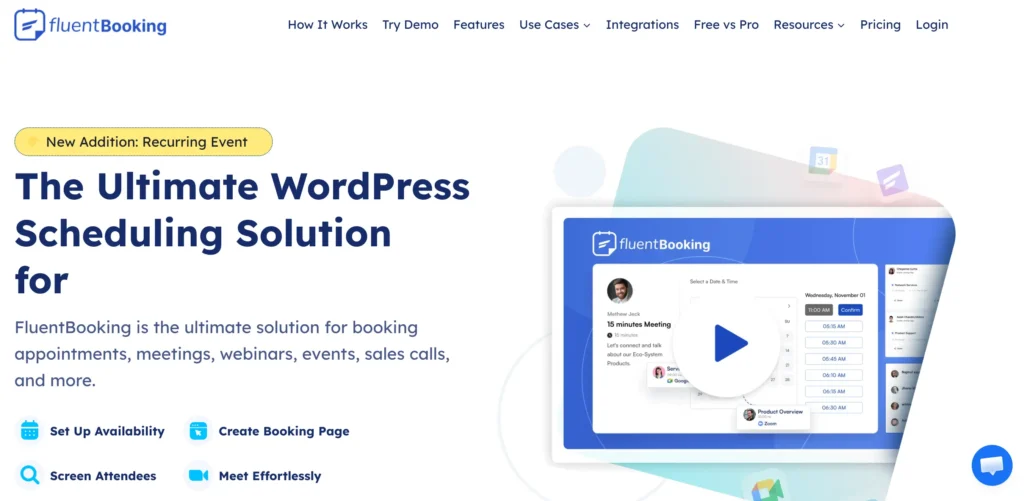
What makes it particularly strong for interview scheduling is its flexibility. You can create custom booking pages for different interview stages, set up team availability pools for panel interviews, and automate the entire candidate communication flow.
Key Features:
- Multiple meeting types: one-on-one, group, round-robin, and one-off events
- Easy availability management with overrides and flexible durations
- Time zone auto-detection for candidates
- Custom booking pages and responsive forms
- Automated email notifications and reminders
- Centralized appointment management dashboard
- Booking limits and buffer times to prevent overbooking
- Custom fields to collect candidate information
- Unlimited team members with round-robin scheduling
- Calendar integrations: Google, Outlook, Apple
- Payments support via Stripe
- Reports and analytics for bookings and performance
- Real-time updates and webhook support
- Integrations with CRMs, video conferencing, and other tools
Pros and Cons
| Pros | Cons |
| One-time annual fee, no per-seat pricing | Requires WordPress (not standalone SaaS) |
| Self-hosted means complete data ownership | Self-hosting means you handle updates |
| Highly customizable booking flows | Learning curve for non-WordPress users |
| Works seamlessly with WordPress sites | |
| No transaction fees |
Pricing
- Free plan: Available
- Paid Plan: FluentBooking offers three paid plans. The Single Site License costs $79/year, perfect for managing a single team or interview schedule. The 5 Site License is $199/year, ideal for growing teams or small organizations handling multiple interview types. The 50 Site License costs $399/year, giving larger organizations full access across multiple teams with priority support and updates.
If your company runs on WordPress and you want powerful scheduling without recurring per-user costs, FluentBooking delivers exceptional value. It’s particularly suited for teams that want to automate their recruitment process without vendor lock-in.
GoodTime – Enterprise Interview Scheduling Automation
GoodTime is the heavyweight champion of interview scheduling. Built for enterprises managing thousands of candidates, it uses AI to optimize scheduling across multiple interviewers, locations, and time zones.
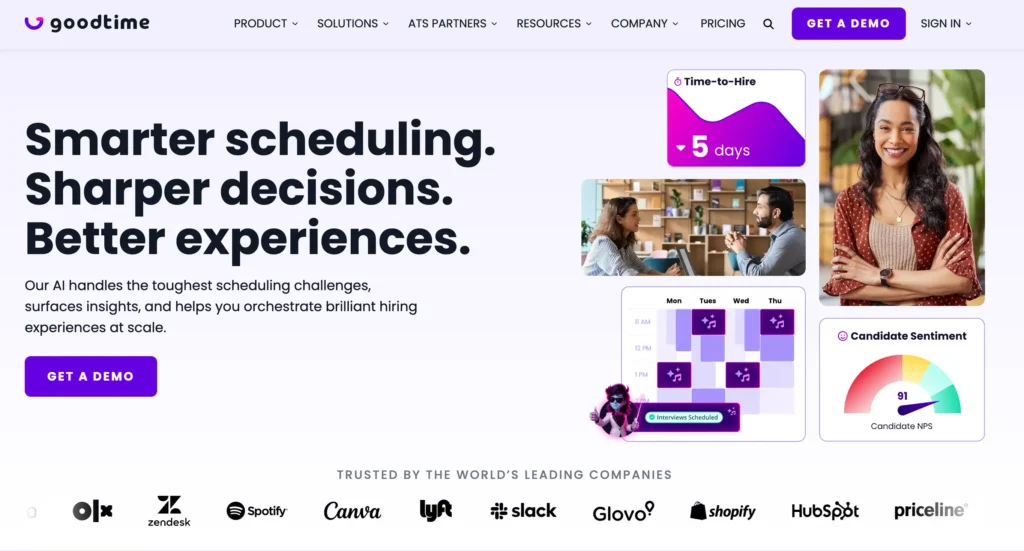
The platform shines when you need to coordinate multi-day interview loops, balance interviewer workloads, and maintain DEI goals in your panel composition. It’s not simple, and it’s not cheap, but for complex hiring operations, it’s hard to beat.
Key Features:
- AI‑powered automated scheduling (simple to complex interview loops)
- Smart interviewer matching based on availability, skills, and workload
- Deep ATS integrations (Workday, Greenhouse, Lever, iCIMS, SmartRecruiters, SAP SuccessFactors)
- Candidate self‑scheduling and rescheduling
- Branded scheduling portals for a professional candidate experience
- Real‑time analytics and hiring insights
- Automated reminders, confirmations, and communication workflows
- Automatic rescheduling and interviewer replacement
Pros and Cons
| Pros | Cons |
| Handles extremely complex scheduling scenarios | Enterprise pricing not suitable for small teams |
| Reduces time-to-schedule significantly | Steep learning curve |
| Strong analytics for hiring optimization | Overkill for simple hiring needs |
| Excellent ATS integrations |
Pricing
- Free plan: Not available
- Paid Plan: Custom pricing based on the number of candidates annually, typically starting at several thousand dollars per year.
Pricing: Custom (typically starts at several thousand per year)
GoodTime is the right choice if you’re hiring at scale and need sophisticated automation. For smaller teams, the complexity and cost won’t justify the investment.
VidCruiter – Structured Video Interviewing Platform
VidCruiter offers a comprehensive recruitment platform that handles live video interviews, pre-recorded video screening, and traditional in-person scheduling. If your hiring process involves different interview types at different stages, VidCruiter keeps everything in one place.
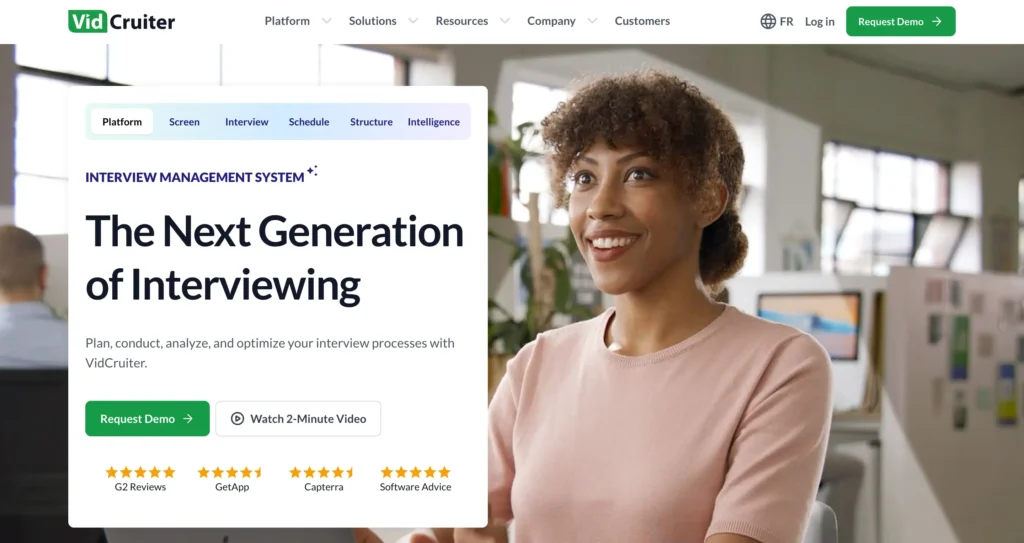
The platform is particularly popular with companies that conduct structured interviews and need consistent evaluation across candidates.
Key Features:
- Automated interview scheduling with calendar integration
- Multiple interview formats: live video, pre-recorded, and in-person
- Branded scheduling pages and candidate self-scheduling
- Automated email and SMS reminders
- Structured interview guides and scorecards
- Skills testing and video proctoring
- Integrations with ATS, HRIS, and calendar tools
Pros and Cons
| Pros | Cons |
| Supports multiple interview formats | Can be complex for small teams |
| Structured scoring ensures fair evaluations | Pricing not publicly listed |
| Centralizes scheduling and assessments | Learning curve for new users |
| Mobile-friendly candidate experience | |
| Custom branding improves candidate engagement |
Pricing
VidCruiter does not publicly list pricing on its official website; instead, businesses must request a custom quote from sales.
VidCruiter works well for teams that need video interview capabilities bundled with scheduling. If you only need scheduling, simpler tools may serve you better.
Greenhouse – ATS with Built-In Interview Scheduling
Greenhouse isn’t just scheduling software; it’s a full-fledged applicant tracking system with powerful scheduling built in. If you’re already using Greenhouse as your ATS, its native scheduling features eliminate the need for a separate tool.
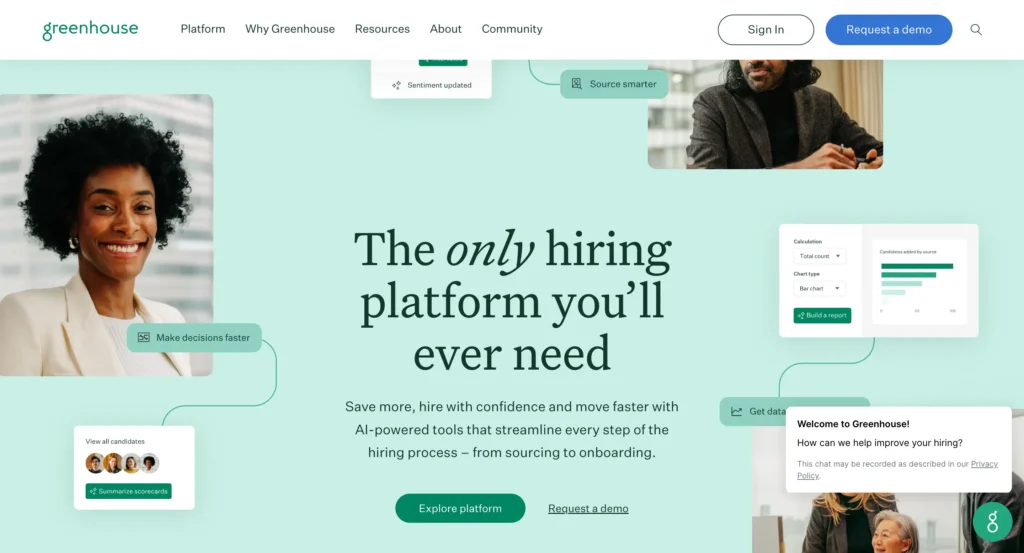
Candidate self-scheduling is particularly smooth, letting applicants pick interview slots directly from the Greenhouse candidate portal.
Key Features:
- Automated interview scheduling based on candidate and interviewer availability
- Manual interview scheduling with intuitive calendar view
- Candidate self-scheduling to choose available slots
- Interviewer availability settings and preferences
- Calendar sync with Google Calendar, Outlook, and others
- Structured interview plans with kits and scorecards
- RSVP tracking and scheduling task visibility
Pros and Cons
| Pros | Cons |
| Everything in one platform | Expensive for small teams |
| Excellent candidate experience | Scheduling is part of a larger ATS package |
| Strong reporting and compliance features | Overkill if you only need scheduling |
| Large integration ecosystem |
Pricing
- Free plan: Not available
- Paid Plan: Greenhouse uses custom ATS pricing based on company size and hiring needs; interview scheduling is included as part of the overall ATS package rather than as a standalone tool.
Greenhouse makes sense if you need a full ATS. For scheduling alone, it’s not cost-effective. But if you’re in the market for both, it’s a strong contender.
Calendly – Simple and Fast Interview Scheduling Tool
Calendly is the household name in scheduling. It’s not built specifically for recruiting, but its simplicity and widespread adoption make it a popular choice for interview scheduling, especially among smaller teams and startups.

Share a link, let candidates pick a time, and you’re done. It won’t manage your entire hiring pipeline, but it handles the scheduling piece cleanly.
Key Features:
- Automated interview scheduling with real‑time availability and shared booking links
- Calendar sync with Google, Outlook, and Exchange to prevent double‑booking
- Ability to set availability, buffer times, and meeting limits
- Integrations with video conferencing (Zoom, Teams, Google Meet) and 100+ tools
- Automated email and text reminders, confirmations, and follow‑ups
- Team scheduling, round‑robin, and collective event types
- Workflows and automation for email/text reminders and follow‑ups
- Reporting and analytics to track scheduling performance
Pros and Cons
| Pros | Cons |
| Extremely easy to set up and use | Not purpose‑built for recruiting |
| Generous free tier | Limited ATS integrations on lower tiers |
| Widely recognized by candidates | Per‑user pricing adds up for large teams |
| Works for more than just recruiting |
Pricing
- Free Plan: Basic plan available
- Paid Plans: Standard ($10/user/month) for unlimited events, calendar connections, reminders, and integrations; Teams ($16/user/month) adds round-robin and advanced admin tools; Enterprise (custom) includes security, SSO, support, and large team features.
Calendly is perfect for teams that want something simple and don’t need recruiting-specific features. If your scheduling needs are basic, don’t overcomplicate it.
Jobma – Video Interview Software with Screening Tools
Jobma focuses on video interviews, offering both live and pre-recorded options with scheduling built around them. If video interviews are central to your hiring process, Jobma streamlines the entire workflow from scheduling to evaluation.
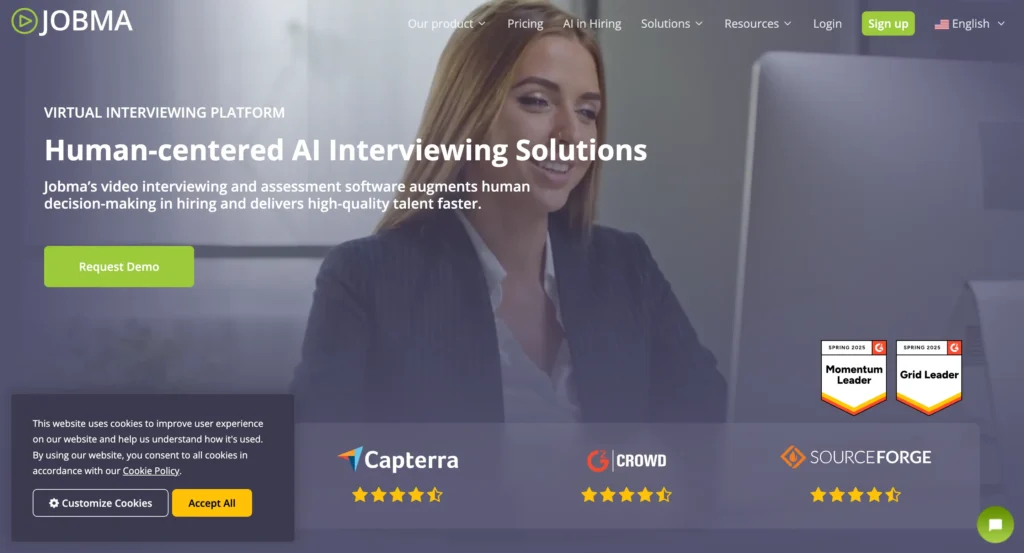
The platform also offers AI-powered analysis of video responses, helping recruiters screen candidates faster.
Key Features
- Live and on‑demand video interviews (one‑way and live)
- Automated interview scheduling with calendar sync and notifications
- AI‑enhanced candidate analysis and transcripts
- Structured evaluation with scorecards and feedback sharing
- Custom-branded interview experience
- Mobile‑friendly candidate interface
- Integrations with major ATS systems for smoother workflows
Pros & Cons:
| Pros | Cons |
| Strong video interviewing and assessment capabilities | Less focused on traditional in‑person scheduling |
| AI‑driven screening and analysis | Pricing not published publicly |
| Supports multiple interview types (live, one‑way) | Mobile app or platform may add friction for some candidates |
| Custom branding enhances candidate experience | Limited transparent pricing structure |
| Integrates with popular ATS tools |
Pricing
- Free plan: Not available
- Paid Plan: Custom pricing, businesses must contact Jobma for a tailored quote based on team size, interview volume, and feature needs. Pricing is typically quote‑based and varies by organization.
If your hiring process relies heavily on video interviews, live or on‑demand, Jobma offers a powerful platform for scheduling, candidate evaluation, and AI‑supported insights. For organizations that still require robust traditional scheduling or transparent pricing, other tools may be more straightforward.
myInterview – AI-Powered Video Screening Platform
myInterview (now part of Radancy’s AI hiring platform) is a video‑based interview and screening solution that helps recruiters automate early‑stage hiring. Its focus is on letting candidates record responses to interview questions on their own time and using AI to screen and score those videos.
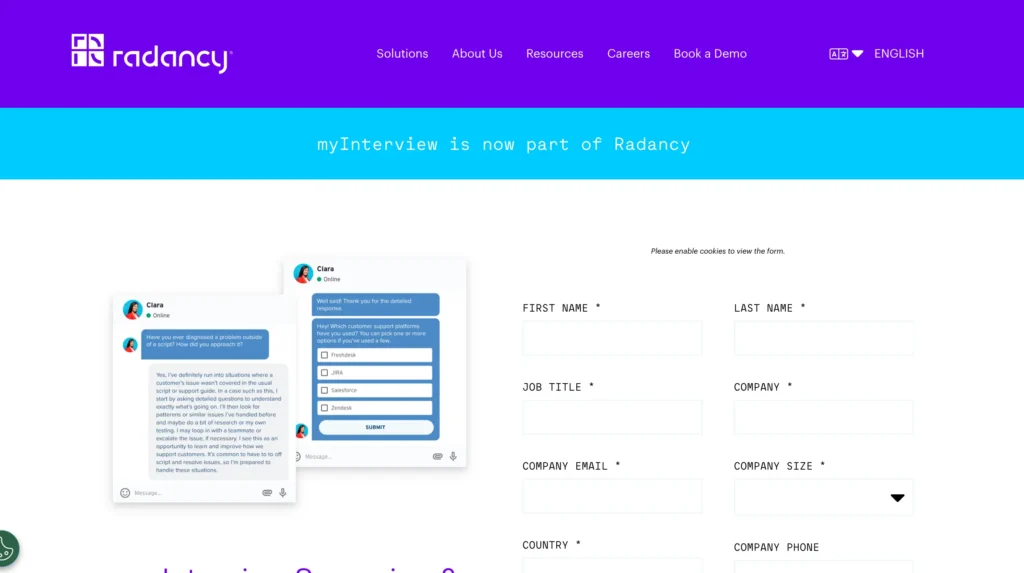
This approach reduces the number of interviews you need to schedule manually and helps you shortlist the best fits faster.
Key Features
- AI‑powered video screening and candidate scoring
- Automated interview scheduling with calendar sync
- One‑way and live video interviewing options
- Structured evaluation with scorecards and feedback tools
- Branded candidate experience and mobile‑friendly interface
- Deep ATS integrations for seamless workflows
- Candidate insights and analytics to improve hiring decisions
Pros & Cons
| Pros | Cons |
| Reduces interviews through automated screening | AI may miss nuanced candidate qualities |
| Speeds up early‑stage hiring | Less control early in process compared to fully human screening |
| Strong video interview and evaluation tools | Pricing requires demo/contact sales |
| Integrates with major ATS platforms | Scheduling isn’t as central as with dedicated schedulers |
Pricing
- Free plan: Not available on official pricing pages
- Paid Plan: Customized pricing based on your organization’s needs; you must request a demo or sales quote before purchase.
myInterview works best for companies struggling with high application volumes that want AI to handle initial screening and reduce manual scheduling. If you prefer to rely on human judgment earlier in the hiring process, other tools may provide more traditional control.
YouCanBook.me – Affordable and Customizable Booking Tool
YouCanBook.me is a straightforward online scheduling tool that delivers reliable booking features at an affordable price. It’s ideal for teams that want a customizable scheduling experience, including branded booking pages, automated reminders, and flexible availability, without spending big.
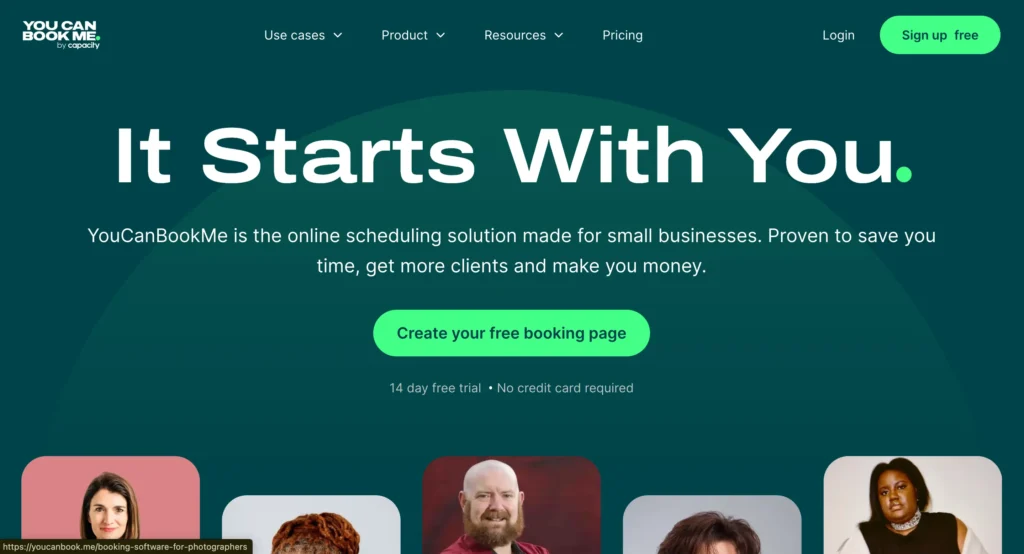
Although not purpose‑built for recruiting, its customization and integrations make it easy to adapt for interview scheduling workflows.
Key Features:
- Calendar integrations with Google, Microsoft, Apple, and others
- Customizable booking pages with branding options
- Automated email and SMS confirmations and reminders
- Flexible availability settings and buffer times
- Team scheduling with round‑robin and mutual availability
- Integration with Zoom, Google Meet, MS Teams, Zapier, Stripe, HubSpot, and more
- Configurable booking forms to collect candidate info
Pros & Cons:
| Pros | Cons |
| Very affordable pricing | Not recruiting‑specific |
| Highly customizable and brandable booking pages | Limited advanced recruiting features |
| Supports team scheduling and round‑robin | Basic reporting compared to specialized tools |
| Reliable and mature platform | Requires integration work for deeper ATS workflows |
Pricing
- Free plan: Available — includes basic scheduling with 1 calendar connection and 1 booking page.
- Paid Plans: Individual ($9/month) with 2 calendars and 2 booking pages; Professional ($13/month) adds 6 calendars, 10 pages, workflows, integrations, and analytics; Team ($18/member/month) includes 10+ calendars, 15+ pages, team scheduling, and role-based access.
YouCanBook.me is a solid choice for small or budget‑conscious teams that want flexible scheduling and strong customization. It may not have deep recruiting‑specific features, but for basic to moderate interview scheduling tasks, it gets the job done efficiently without breaking the bank.
Jobvite – Complete Recruiting Suite with Scheduling
Jobvite is a comprehensive talent acquisition suite that includes an applicant tracking system (ATS), interview scheduling, CRM, onboarding, and analytics, all in one platform.
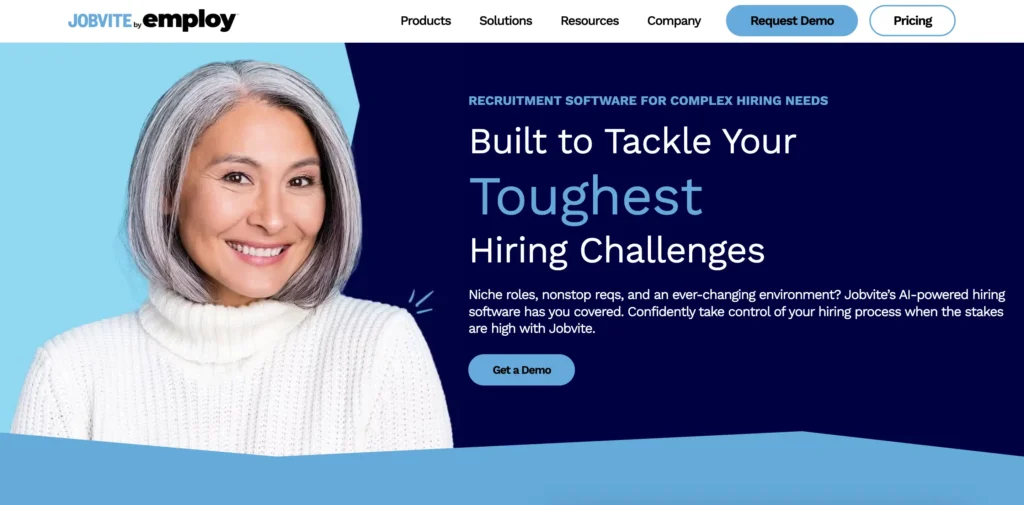
Designed for mid‑sized to large organizations, Jobvite helps you manage the full hiring lifecycle from posting jobs to hiring and onboarding, with interview scheduling integrated directly into the ATS.
Key Features:
- Full ATS with interview scheduling and smart self‑scheduling
- Candidate relationship management (CRM) and talent pipelines
- Automated workflows and personalized candidate communication
- Structured interview kits and evaluation tracking
- Analytics and reporting dashboards for hiring metrics
- Mobile recruiting app for on‑the‑go activity
- Onboarding tools and employee referral management ([turn0search2][turn0search9][turn0search10])
Pros & Cons:
| Pros | Cons |
| Complete recruiting solution from sourcing to onboarding | Expensive for small teams |
| All tools in one platform, no need for separate software | Scheduling features tied to full ATS |
| Strong analytics and automation | Implementation can take time |
| Mobile‑friendly and centralized candidate data | Pricing requires a custom quote |
Pricing
- Free plan: Not available
- Paid Plan: Custom pricing based on company size, hiring volume, and selected modules. Jobvite does not publish official rates; pricing is tailored per organization and often requires a sales quote.
Jobvite is ideal if you need a full recruiting system rather than just scheduling, from ATS and CRM to onboarding and analytics. Its interview scheduling works well within the broader hiring workflow, but for teams that only need simple interview booking, it may be more powerful and costly than necessary.
Setmore – Booking Software with Free Plan
Setmore is a straightforward scheduling tool that makes it easy to embed booking directly into your careers or recruitment pages. Candidates can schedule interviews without leaving your site, creating a seamless experience that feels integrated with your employer brand.
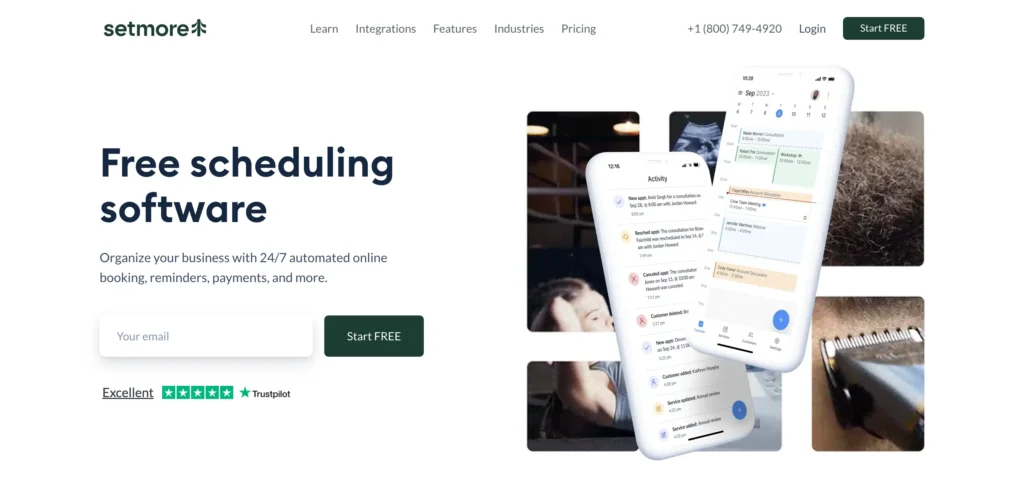
It’s also one of the more generous free options available, making it accessible for startups and small businesses.
Key Features:
- Website embeddable booking widget for 24/7 self‑scheduling
- Free tier with core scheduling tools
- Calendar integration (Google, Outlook, etc.)
- Automated email confirmations and reminders
- Team calendar management and collaboration tools
- Video meeting integrations (Zoom, Google Meet)
Pros & Cons:
| Pros | Cons |
| Free plan is genuinely useful | Not recruiting‑specific |
| Easy to embed booking on your website | Premium features require paid plans |
| Clean, modern interface | Basic team coordination compared to advanced tools |
| Includes video meeting integrations |
Pricing
- Free plan: Available, includes up to 4 users, unlimited appointments, email reminders, and a branded booking page.
- Paid Plans: Pro starts at $5/user/month (annual billing) with SMS reminders, two‑way calendar sync, recurring appointments, video meeting support, and custom branding; Team plans offer broader user access and team tools for similar pricing.
Setmore is great for teams that want a simple scheduling tool embedded into their careers site without technical effort. It’s free tier truly works for small teams, and the paid plans unlock useful enhancements without high costs, but if you need deep recruiting‑specific workflows or ATS integrations, consider more specialized tools.
HireVue – Video Interviews and Skills Assessment Platform
HireVue is an enterprise‑grade hiring platform that blends video interviewing, AI‑driven assessments, and automated scheduling into one comprehensive system. It’s especially popular among large organizations and technical hiring teams that want to evaluate coding, skills, and soft competencies alongside scheduling.
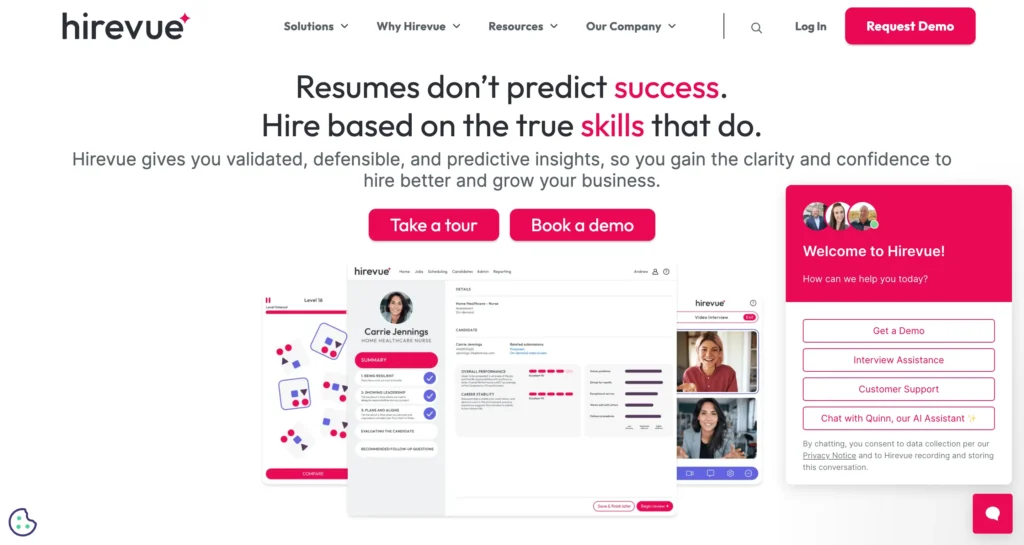
The platform supports both live and on‑demand video interviews with structured workflows and candidate self‑scheduling built into its hiring automation suite.
Key Features:
- AI‑powered video interviewing with structured interview guides
- Automated interview scheduling with self‑schedule options
- Coding, game‑based, and skills assessments
- Structured scorecards and candidate evaluation tools
- ATS integrations and hiring workflow automation
- Analytics and reporting for faster decision‑making
- Global candidate experience with voice, SMS, and email invites
Pros & Cons:
| Pros | Cons |
| Excellent for enterprise and technical hiring | Enterprise‑level pricing and implementation costs |
| Combines interview scheduling with candidate assessment | Not suited for simple scheduling needs |
| Deep ATS and workflow integrations | Complex setup and training required |
| Structured, data‑driven hiring process | Pricing requires a custom quote |
Pricing
- Free plan: Not available
- Paid Plan: Custom, quote‑based pricing tailored to your company size, features needed (interviews, assessments, scheduling, analytics), and support level, with typical enterprise packages starting at high‑five figures per year.
HireVue is a powerful choice if you need video interviewing plus advanced assessments and automated scheduling as part of a broader talent platform. It’s built for enterprise technical hiring and structured evaluation workflows, but for general scheduling or smaller teams, simpler tools may be more cost‑effective and easier to manage.
Paradox – Conversational AI for High-Volume Hiring
Paradox is a conversational AI hiring platform built to automate screening, interview scheduling, and candidate engagement at scale. Its AI assistant, Olivia, interacts with candidates via text, chat, SMS, and other channels to answer questions, screen applicants, and instantly schedule interviews without manual intervention.
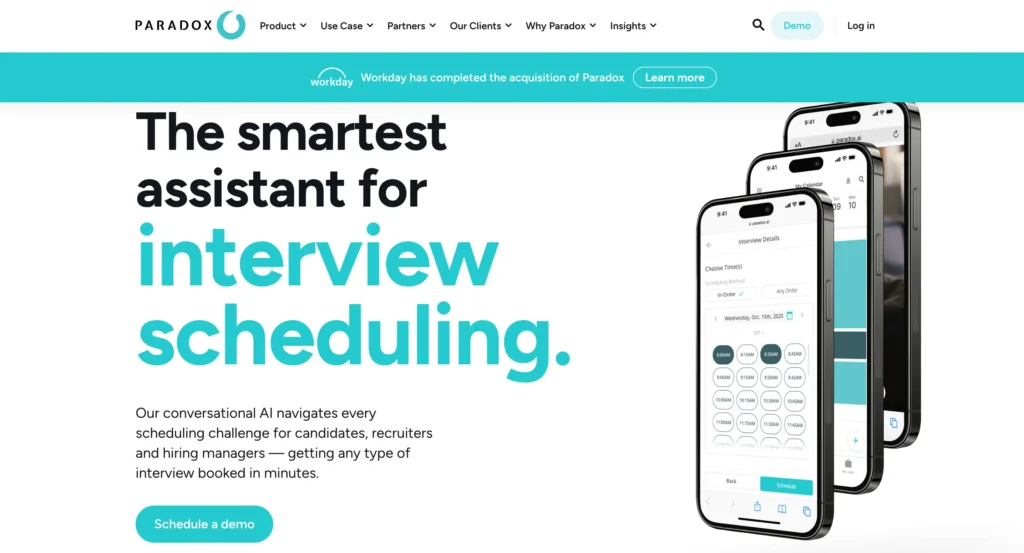
Paradox is especially effective for organizations with high‑volume hiring needs, where speed, candidate engagement, and automation are top priorities.
Key Features:
- Conversational AI scheduling using Olivia, across SMS, chat, and email
- Automated interview booking and calendar sync
- Candidate engagement and screening automation
- Multi‑channel communication (web chat, SMS, WhatsApp)
- Support for panel and multi‑person interviews
- ATS integrations (Workday, SAP SuccessFactors, etc.)
- Analytics dashboard for hiring insights and performance tracking
Pros & Cons:
| Pros | Cons |
| Extremely efficient for high‑volume hiring | Enterprise pricing needs custom quote |
| Great candidate engagement with AI interaction | AI interactions may feel impersonal |
| Works across multiple channels (SMS, chat, email) | Requires integration setup |
| Reduces time‑to‑schedule dramatically | Overkill for low‑volume teams |
Pricing
- Free plan: Not available
- Paid Plan: Custom enterprise pricing based on hiring volume and features — typically starting from around $1,000–$2,500+/month for mid‑market offerings, with larger enterprise deployments potentially costing $25,000–$100,000+ per year depending on scale and integrations.
Paradox shines in high‑volume hiring environments such as retail, hospitality, healthcare, and franchise recruiting, where candidate engagement and automated scheduling matter most. Its conversational AI assistant can dramatically reduce recruiter workload and speed up time‑to‑hire
How to Choose the Right Interview Scheduling Software
Here’s how to narrow down your choice:
Consider Your Hiring Volume
- Low volume (1-10 interviews/month): Calendly, YouCanBook.me, or Setmore
- Medium volume (10-50 interviews/month): FluentBooking, Calendly, Teams, or Jobma
- High volume (50+ interviews/month): GoodTime, Paradox, or VidCruiter
Match Your Interview Style
- Video-first: Jobma, myInterview, or HireVue
- Traditional/in-person: FluentBooking, Calendly, or Greenhouse
- Mixed formats: VidCruiter or Greenhouse
Check Your Existing Tools
Integration matters. If you’re using:
- Greenhouse ATS: Greenhouse native or GoodTime
- WordPress site: FluentBooking
- No ATS: Jobvite or standalone tools
- Google Workspace: Most tools integrate well
Budget Realistically
- Free/cheap: Setmore, Calendly Free, YouCanBook.me
- Mid-range: FluentBooking, Calendly, Teams, Jobma
- Enterprise: GoodTime, HireVue, Paradox
Think About Candidate Experience
The best software makes scheduling effortless for candidates. Look for:
- Mobile-friendly booking pages
- Clear time zone handling
- Minimal steps to confirm
- Professional, branded experience
Sending a well-crafted interview invitation email with a simple booking link dramatically improves response rates.
Tips for Effective Interview Scheduling
Software alone won’t fix a broken process. Here are practices that make scheduling actually work:
- Send reminders strategically: Automated interview reminder emails 24 hours and 1 hour before significantly reduce no-shows.
- Offer multiple time slots: Give candidates options. Flexibility shows respect for their time.
- Buffer your interviews: Back-to-back scheduling leads to delays. Build in 15-30 minute buffers.
- Keep booking flows short: Every extra field or step increases drop-off. Ask only what you need.
- Confirm time zones explicitly: Always show the candidate’s local time to avoid confusion.
- Enable rescheduling: Make it easy to reschedule instead of canceling. Life happens.
- Learning how to schedule interviews properly can cut your time-to-hire significantly.
Final Thoughts
Interview scheduling software isn’t glamorous, but it makes a real difference in how candidates experience your hiring process. The right tool saves hours of admin work, reduces no-shows, and helps you move faster than competitors.
For most small to mid-sized teams, FluentBooking offers the best balance of features and value, especially if you’re already running WordPress. The self-hosted model means you’re not paying per seat as you grow, and you maintain full control over your data.
Enterprise teams with complex, high-volume hiring should look at GoodTime or Paradox for their AI-powered capabilities.
Teams that want simplicity above all else can’t go wrong with Calendly, the tool everyone already knows how to use.
Whatever you choose, the goal is the same: remove friction from scheduling so you can focus on what actually matters: finding great people and bringing them onto your team.
Ratul Ripon
I enjoy making complex ideas simple and engaging through my writing and designs. With a strong knowledge on content writing and SEO, I create technical content that’s both easy to understand and interesting.
Table of Content
Subscribe To Get
WordPress Guides, Tips, and Tutorials

Leave a Reply