

FluentBooking Turns Three: A Year of Carrying Every Booking Forward


Three years ago, we launched FluentBooking with a simple goal: make it easy for anyone running a business on WordPress to take bookings without handing their calendar to someone else’s platform.
Each year since then has had its own focus. In our first year, we worked on where it all started: getting the booking itself right. In our second year, we gave you more ways to book, with collective meetings, coupons, and a calendar view.
This year, we looked at what happens after the booking. A confirmed appointment isn’t the end of the work. It’s the start of a client relationship, and every booking needs a next step: a follow-up, a reminder, a rebooking, a record of who this client is. So that’s where we spent our third year.
Here’s how it went:
A Look Back at Our Third Year
- 20,000+ active installations
- 2,73,000+ all-time downloads
- 4.7 rating on WordPress.org
- 7 product updates
- 1,213 support tickets resolved
- 75 blog posts
- 10+ YouTube videos
Top Stories of the Third Year
- Active installations doubled: from 10,000+ at our second anniversary to 20,000+ today, and all-time downloads grew from 99,000+ to 273,000+.
- FluentBooking 2.0 kicked off 2026: recurring events, dashboard dark mode, and a long list of improvements arrived on New Year’s Day.
- AI agents can now manage bookings: 2.4.0 added an MCP server, so an AI assistant can find bookings, check availability and handle changes through a simple conversation.
Three Years of Milestones
Every year has added a new layer to FluentBooking. Before we get into year three, here’s how we got here.
- Launch (October 2023): FluentBooking arrived as a simple yet powerful appointment scheduling plugin for WordPress.
- Free version (July 2024): FluentBooking became available to everyone on WordPress.org.
- Multiple meeting types: One-on-one, group, round robin, collective and one-off events, so every kind of meeting has a fit.
- Automated notifications: Email and SMS reminders and follow-ups to cut no-shows and keep everyone on schedule.
- Calendar integrations: Syncing with Google, Apple, Outlook and Nextcloud calendars.
- Video conferencing: Meeting online with Zoom, Microsoft Teams and Google Meet.
- Payments: Taking payments securely through Stripe and PayPal.
- FluentCRM integration: Bringing bookings and client communication together.
- Team management: Coordinating schedules and assigning bookings across a team.
- Calendar view: Daily, weekly, and monthly views of your schedule.
- Coupon codes: Running special offers and filling empty slots.
Those first two years were about getting the booking right and giving you more ways to take one. Year three was about what comes after it.
Year Three, Release by Release
We shipped steadily through the year, from late 2025 to last month. Here are the releases that shaped it.
|
Version |
Released |
What it brought |
|
1.10.0 |
November 2025 |
Sell bookings through FluentCart, an embeddable booking calendar, host calendar sharing, Stripe refunds from the calendar view |
|
2.0.0 |
January 2026 |
Recurring events, admin dark mode, the All Data Access capability, 100% free coupons |
|
2.0.05 |
February 2026 |
File uploads in admin bookings, rate limiting for scheduling |
|
2.1.0 |
May 2026 |
Bookings CSV export, a no-show trigger for FluentCRM, PHP 8.4 support |
|
2.2.0 |
June 2026 |
FluentCRM contact search and prefill, booking for CRM contacts, managing tags and lists from booking details |
|
2.2.5 |
August 2026 |
Booking cutoffs in days, creating tags and lists right inside the CRM feed editor |
|
2.3.0 |
August 2026 |
A redesigned admin interface, with upcoming meetings grouped by today, tomorrow, and later |
|
2.4.0 |
September 2026 |
An MCP server, so AI agents can manage bookings |
|
2.5.0 |
September 2026 |
Host-only notes, rescheduling from the admin, mapping Fluent Forms fields to booking questions |
That’s a long list. What ties it together is easier to see when you sort it by what happens to a booking.
From Scheduling to Client Relationships: A Year of Product Improvements
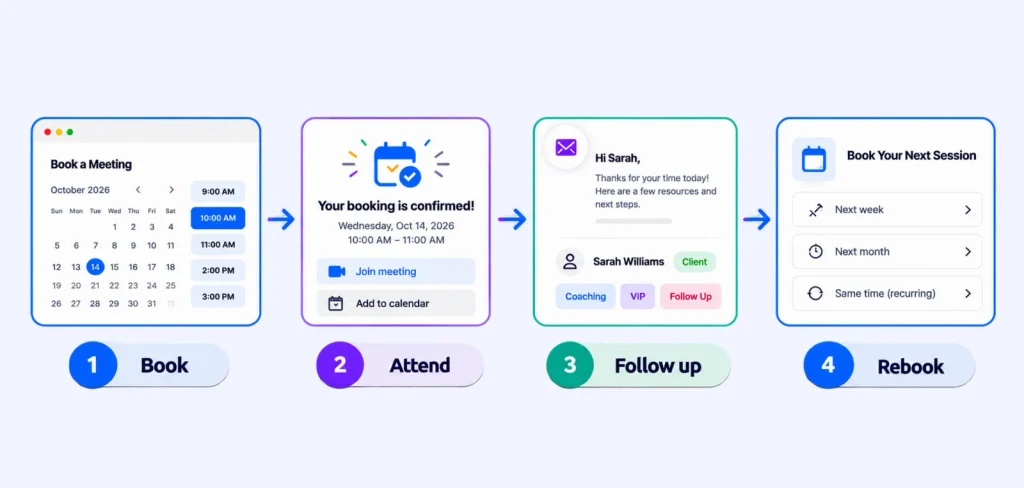
A booking moves through a few moments. Someone books. The appointment happens, or it changes. Then the relationship either continues or quietly ends. This year, we added something to each of those moments.
Getting Booked, Wherever Your Clients Are
The first step is making the booking easy, on whatever page your client happens to be.
With 1.10.0, you can sell bookings through FluentCart, so a session can be a product in your store with FluentCart’s payment methods behind it. Booking meets selling.
The embeddable booking calendar lets you place your calendar on any website with a short HTML snippet.
And in 2.5.0, you can map Fluent Forms fields to booking questions. If you already collect details in a form, they carry straight into the booking, so your client never has to type the same thing twice.
The Next Booking, Already Set
For many businesses, the best next step after a session is the next session. Weekly coaching, monthly check-ins, a course of treatment.
That’s why recurring events arrived with 2.0. On One-on-One and Group Meeting calendars, you set a repeat cycle and a maximum number of bookings. You can even require attendees to book every occurrence at once, so the whole series is in the calendar from day one. Recurring events are part of FluentBooking Pro.
When Plans Change
Plans change. Cancellations and missed appointments are part of running any service business. What matters is what happens next.
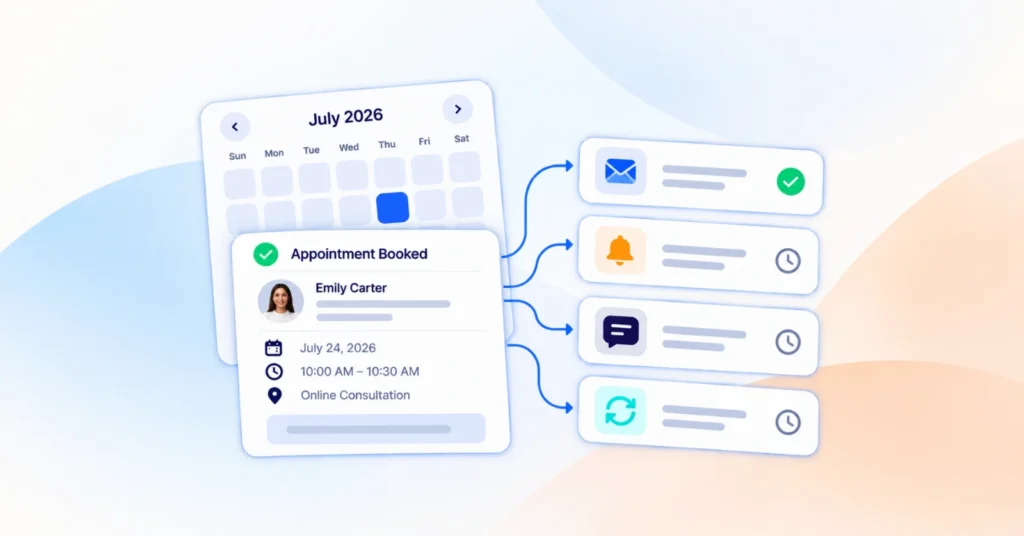
In 2.1.0, we added a no-show trigger for FluentCRM. When an attendee misses an appointment, that can now start an automation, such as a friendly message inviting them to pick a new time. It’s one more way to reduce no-shows and recover the ones that still happen.
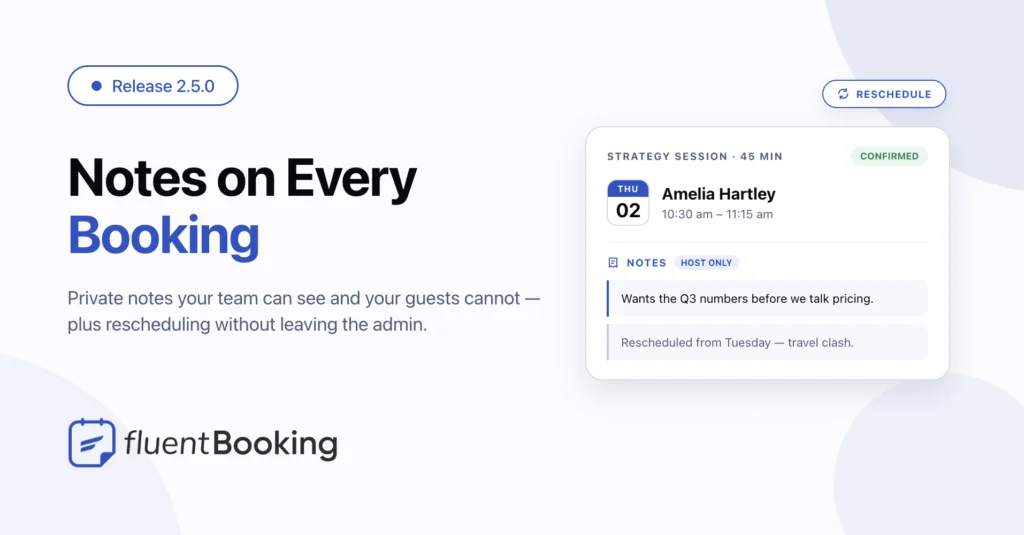
On the admin side, 2.5.0 lets you reschedule a booking without leaving the page, so moving an appointment is a quick fix instead of a detour.
After the Booking, and Long After
A completed appointment shouldn’t mean starting from scratch the next time a client returns. Their booking history, contact details, and preferences can help you build a stronger relationship over time.
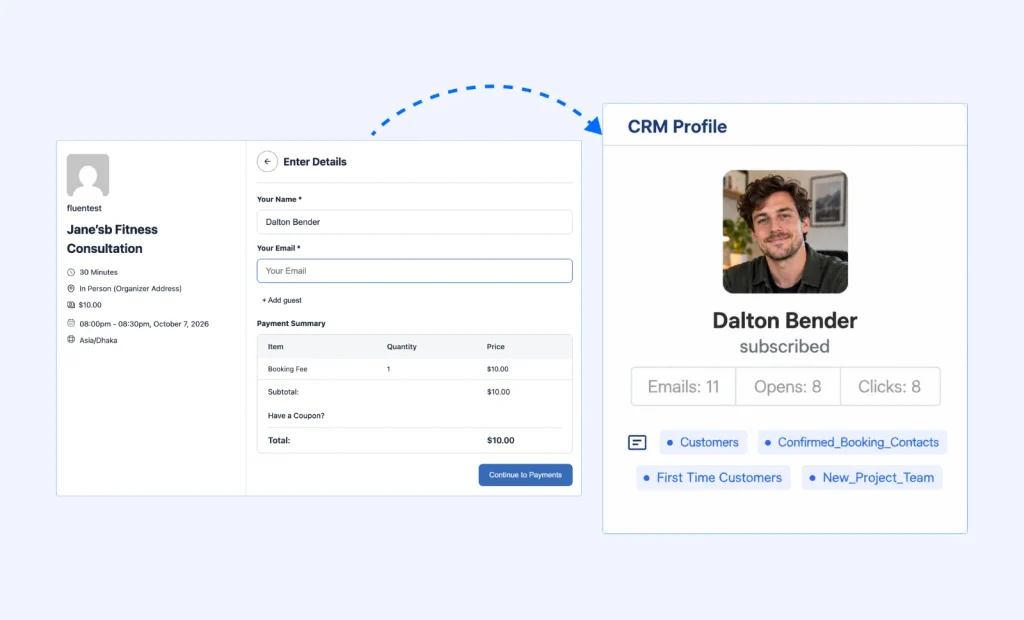
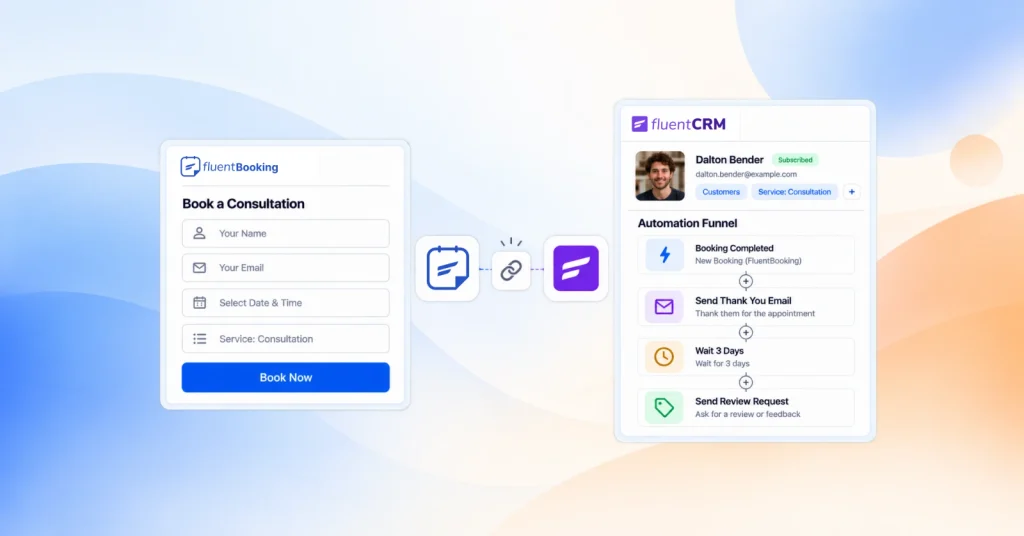
This is where most of our third year went: connecting each booking to the client behind it. FluentBooking and FluentCRM have worked together for a while. This year, the connection got much closer:
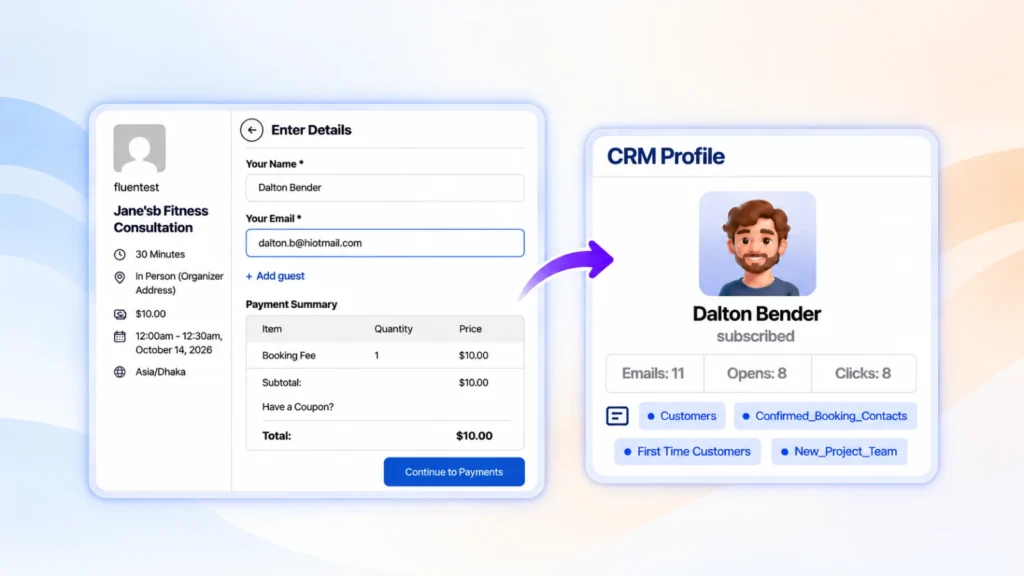
- 2.2.0 brought FluentCRM contact search and prefill to admin bookings. When you book on a client’s behalf, you can find their contact record and fill in their details in one step.
- You can now book appointments for FluentCRM contacts directly, so your client list and your calendar stay in step.
- From the booking details screen, you can manage a client’s CRM tags and lists without switching tabs.
- In 2.2.5, you can create tags and lists right inside the CRM feed editor, while you’re setting up the automation that uses them.
Put together, each booking now does more than fill a slot. It adds to a client record you can follow up on, segment and invite back. If you haven’t tried it yet, you can connect your bookings to FluentCRM and see it for yourself.
Running It All, More Comfortably
The rest of this year’s work went into making FluentBooking easier to live with every day.
2.3.0 redesigned the admin interface from the ground up. Your upcoming meetings are now grouped by today, tomorrow, and later, so you can see your day at a glance. Before that, 2.0.0 brought dark mode to the dashboard, for those late sessions planning next week.
Teams got the All Data Access capability, which gives a team member full FluentBooking access without making them a WordPress admin. Hosts can now share their calendars and keep host-only notes on bookings, so private context stays private. And when you need your data elsewhere, bookings CSV export is there.
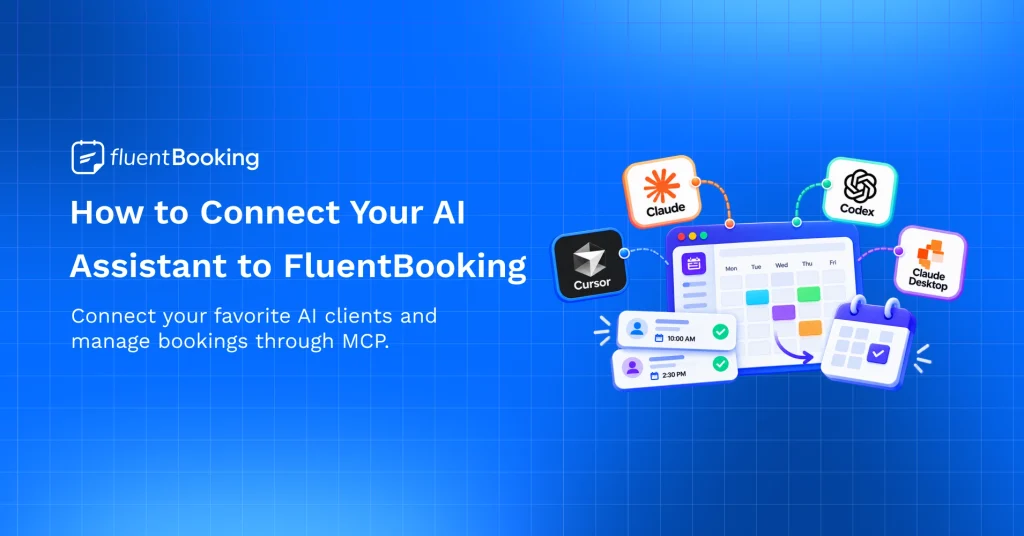
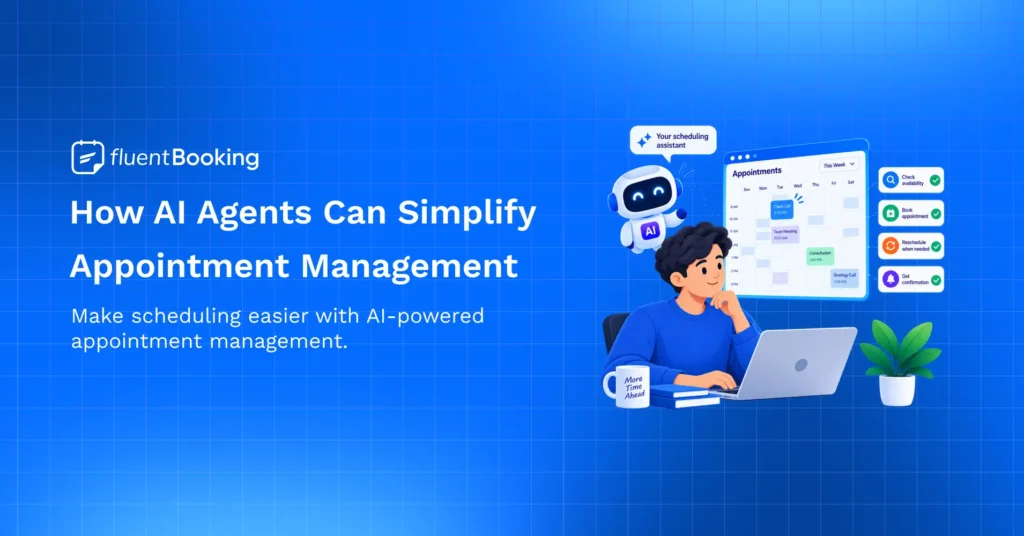
Finally, 2.4.0 introduced something we’re particularly excited about: an MCP server that connects FluentBooking with compatible AI assistants.
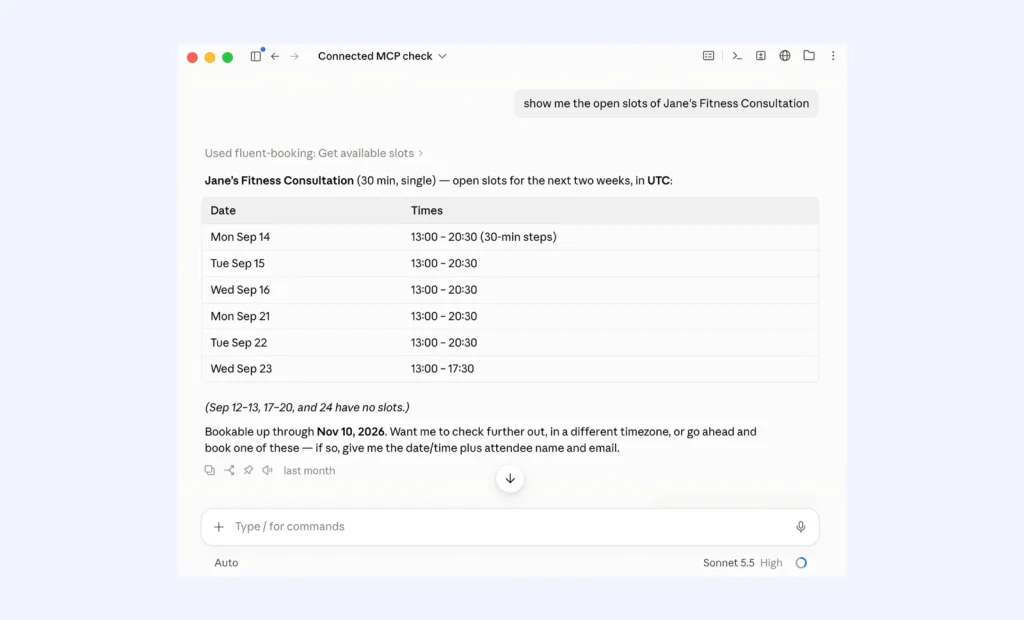
Instead of navigating the dashboard for every task, you can ask an AI assistant to check availability, find bookings, or help manage scheduling changes through a conversation. The assistant works within the permissions and capabilities you’ve configured.
It’s a new way to interact with your booking system, and we’re excited to explore where it can go next.
Year Four: Building What Comes Next
Over the past three years, we’ve made it easier to book appointments, manage schedules, connect bookings with client records, and handle what happens when plans change. We’ve also started exploring new ways to manage bookings through AI assistants.
But there’s more to the booking journey than getting an appointment on the calendar. What happens immediately after someone books? How do you know they’ll show up? And how can you make scheduling easier when several people need to find a time that works?
In year four, we’re building on what we’ve already done to make every stage of that journey work better. Here’s what’s on the way.
- reCAPTCHA in the booking form: We’ve made booking easier for your clients. Now, we’re working to keep spam and bot submissions out of your calendar, so your available slots stay open for real people.
- Rich text internal notes: We’ve made it easier to manage bookings and keep client information close at hand. Rich text formatting will make internal notes more useful, helping you highlight important details and keep your team on the same page.
- Meeting polls: Scheduling a meeting with one person is straightforward, but finding a time that works for a group can be harder. Meeting polls will let participants vote on their preferred times, helping everyone reach an agreement before a booking is made.
- More remote calendar integrations: We’ve improved how you manage your schedule inside FluentBooking. Next, we want to give you more flexibility to connect the remote calendars you and your team already rely on.
- Booking confirmation page editor: A booking doesn’t end at confirmation. The page clients see afterward is another opportunity to guide them toward what comes next. The confirmation page editor will let you customize that experience to better fit your business and your workflow.
- Confirmation in reminder emails (double opt-in): Reminders help clients remember their appointments. Adding a confirmation option will take that a step further, letting attendees confirm they’re still coming so you can better prepare for the day ahead.
These features build on the work we’ve already done, extending FluentBooking beyond scheduling to the experiences that surround every appointment. From protecting your calendar and coordinating groups to improving post-booking communication, we want to make the entire process more useful for both you and your clients.
Every booking has a next step. In year four, we’re continuing to build the tools that help you take it.
Many of these ideas started with feedback from our users. If there’s something you’d like to see in FluentBooking, keep sharing it with us. Your feedback helps shape what we build next.
This Milestone Belongs to You, Too
FluentBooking is three years old because of the people who use it every day: the clinics, coaches, consultants, salons and agencies who trusted us with their calendars, reported the bugs, asked for the features and told their friends.
Every booking has a next step. Ours is year four, and we’re glad you’re coming along.
To celebrate our third anniversary, and Halloween with it, FluentBooking Pro is up to 30% off
Shahjahan Jewel
Hello, this is Jewel, CEO & Head of Ideas at WPManageNinja. I am obsessed with WordPress since 2009. My aim is to be a user-centric developer first, and a serial entrepreneur second. You will find me discussing various tech issues and trying to come up with scalable solutions on different forums when I am not busy coding.
Table of Content
Subscribe To Get
WordPress Guides, Tips, and Tutorials
Add your first comment to this post