

Introducing MCP for AI Agents – FluentBooking 2.4.0


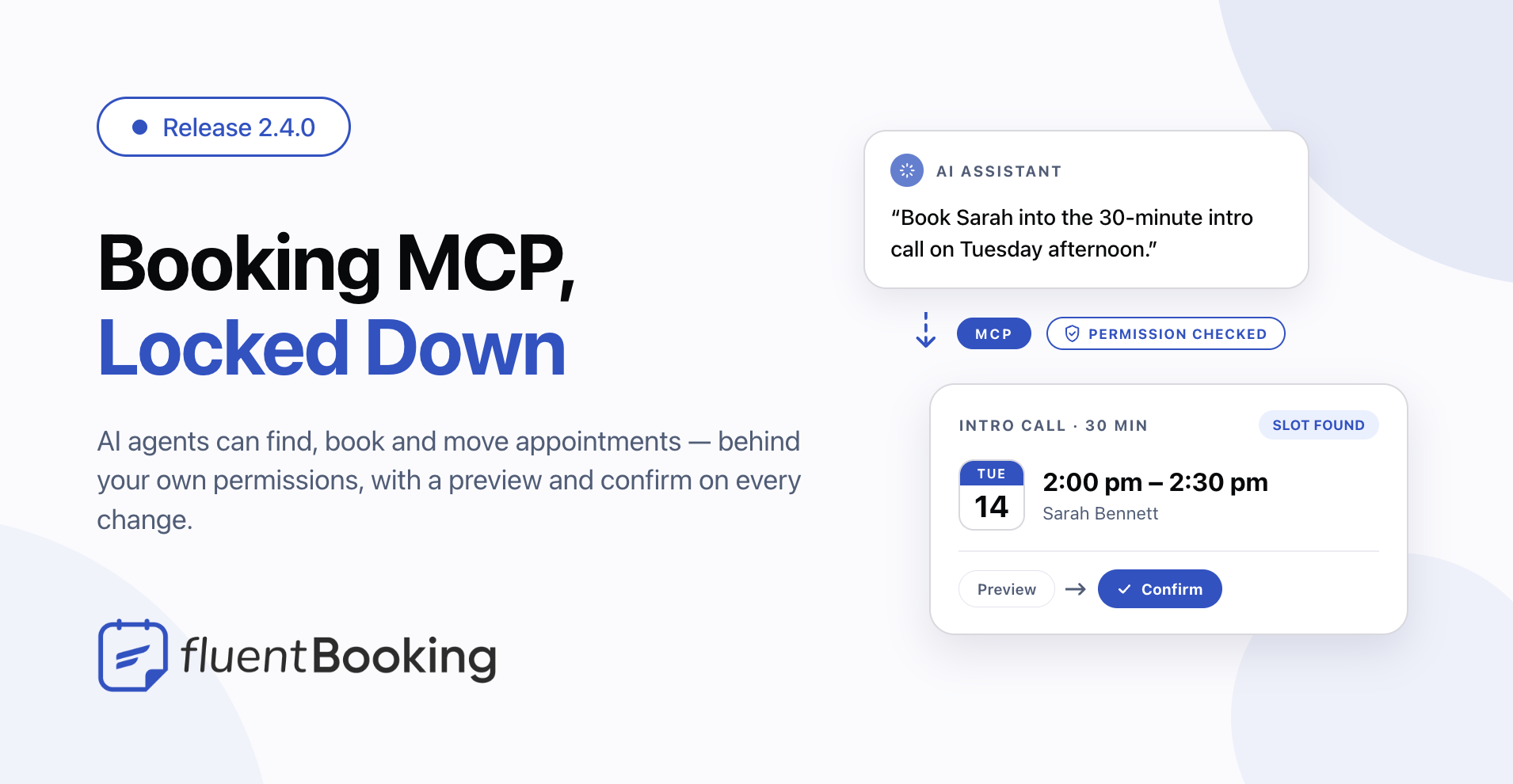
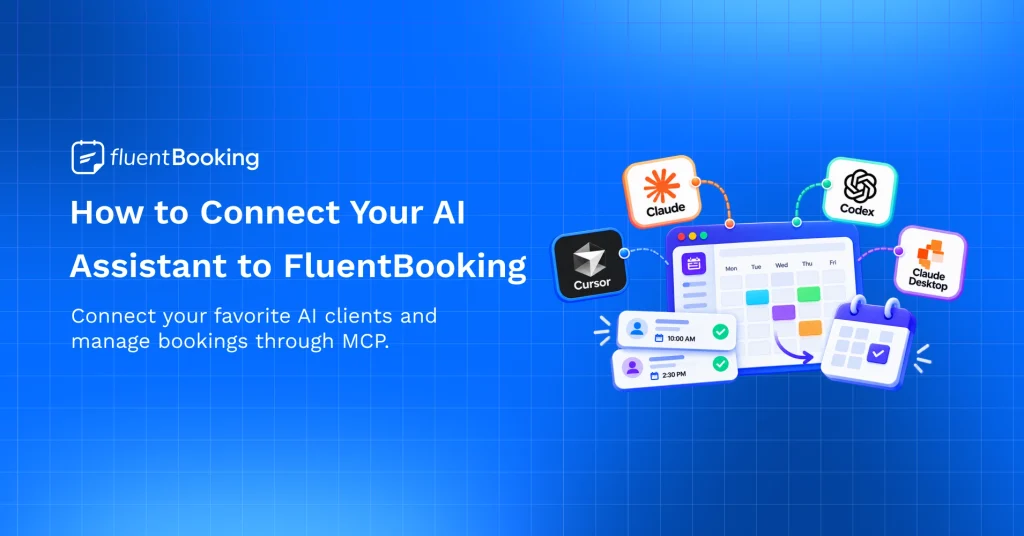
FluentBooking 2.4.0 opens your booking system to AI assistants. You can now ask a connected assistant to find an open slot, book it, move it, or tell you how last month went — and it works through the same permissions you already gave your team, not around them.
Opening a door like that only works if the locks are good, so this release pairs it with a round of security work across imports, merge tags, and access checks. Here’s what’s new: the booking MCP server, tighter security, a mobile-ready admin, and safer payment handling.
Let an AI Assistant Book for You
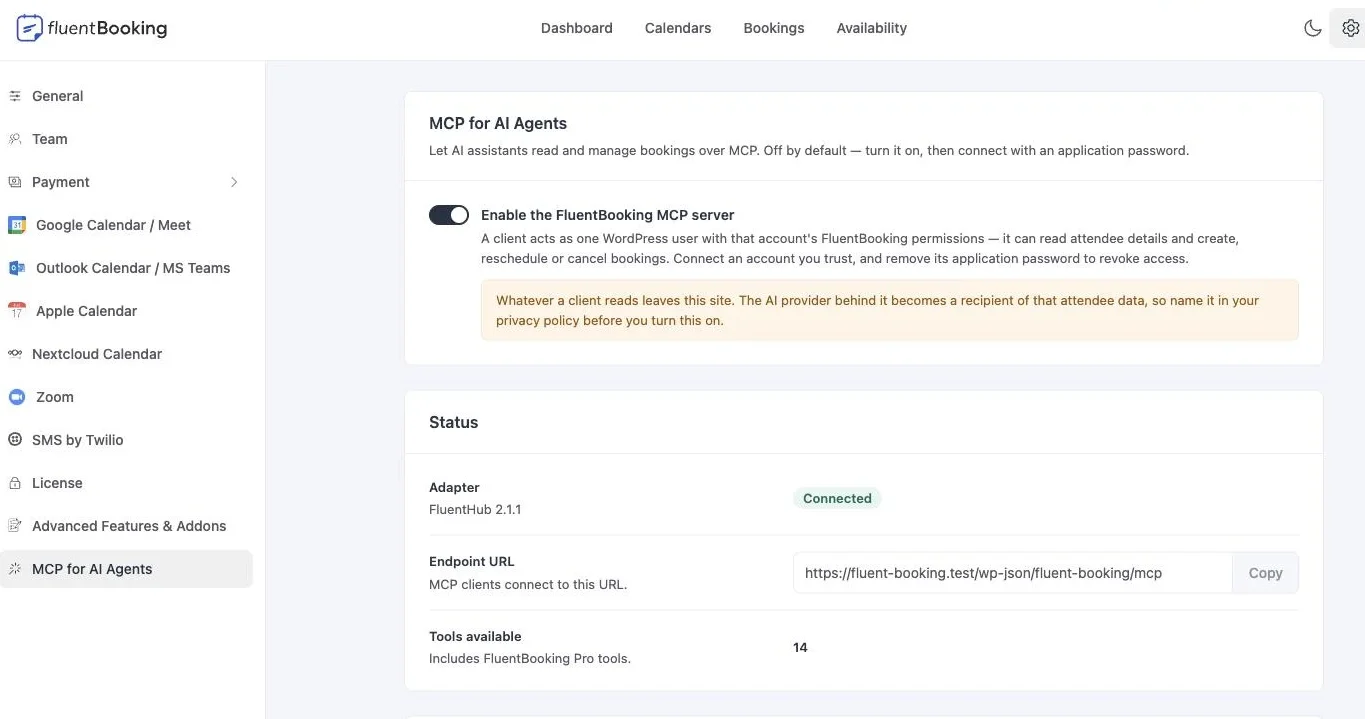
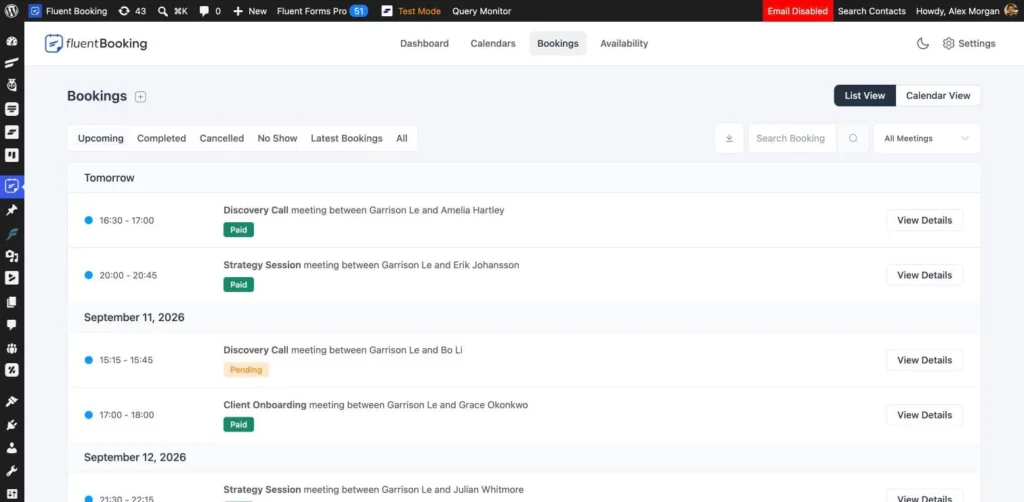
FluentBooking now ships an MCP server. MCP is the standard that lets AI assistants talk to real software instead of guessing, and it means an assistant can work with your actual calendar: “what’s free next Tuesday afternoon?”, “book Sarah into the 30-minute intro call”, “move Tom’s session to Thursday”, “how many bookings did we take last month?”
There are fourteen tools in total. Some read — your bookings, open slots, event types, availability, and reports. Others write — creating, rescheduling, and managing bookings, and editing event types and availability. Payment lookups (pro) are there too, so an assistant can answer questions about what’s been paid and refunded.
The part we spent the most time on is what happens before anything changes. An assistant asking to cancel or move a booking gets a preview first, not an action. It has to hand that preview back to confirm, and if the booking moved in the meantime — or the assistant quietly changed what it was asking for — the preview stops being valid and it has to start over. So an agent can’t act on a booking somebody else already touched, and it can’t execute a different change from the one you approved.
Permissions are your existing ones. A connected assistant signs in as a real WordPress user with an application password, and it can only do what that user could already do in the admin. Give it a read-only account and the write tools never even appear in its list. Revoking access is deleting the application password.
- Off by default — a site that never turns it on is unaffected
- Works with any MCP client, using a standard WordPress application password
- Every tool respects the same eight permission levels your team already uses
- Destructive actions need a preview and a confirmation before they run
One thing to know before you switch it on: whatever an assistant reads leaves your site, which makes the AI provider behind it a recipient of your attendee data. The settings screen says so plainly, and FluentBooking adds suggested wording to your WordPress privacy policy so you can disclose it properly. You’ll also need WordPress 6.9 or newer and an MCP adapter — the settings screen will offer to install Fluent Toolkit for you if it’s missing.
Our MCP setup guide walks through turning the server on, choosing your toolsets, and connecting your first client step by step.
An Admin That Fits Your Phone
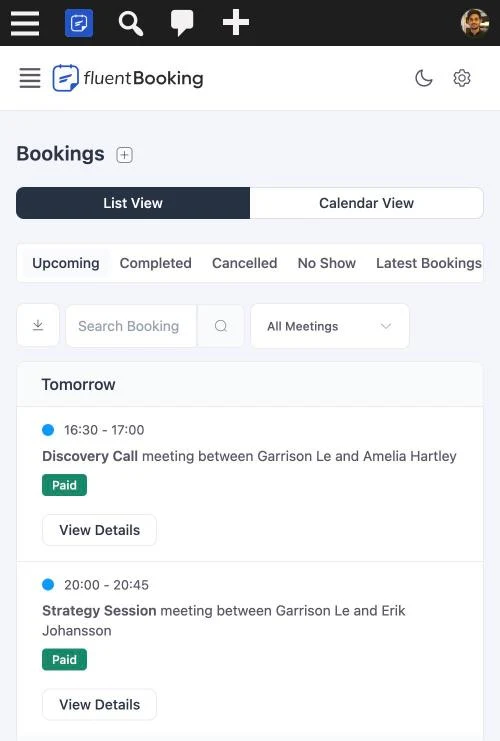
Last release rebuilt the admin. This one makes it work at every width. The biggest problem was the shell itself: it sat below the WordPress admin bar but was still sized to the full screen, so it ran off the bottom and the last card on any page simply couldn’t be reached. That’s fixed at the root, including on mobile browsers where the address bar eats into the viewport.
From there it was the details you actually hit on a small screen: radio labels spilling out of their boxes, event type cards overflowing the drawer, the advanced features and addons list breaking up, coupon rows losing their spacing when they wrapped, limits settings squashing into unreadable columns, and the bookings view switcher not fitting the header. Drawers were also opening behind the admin bar, which put their close button out of reach.
Settings That Look the Same Everywhere
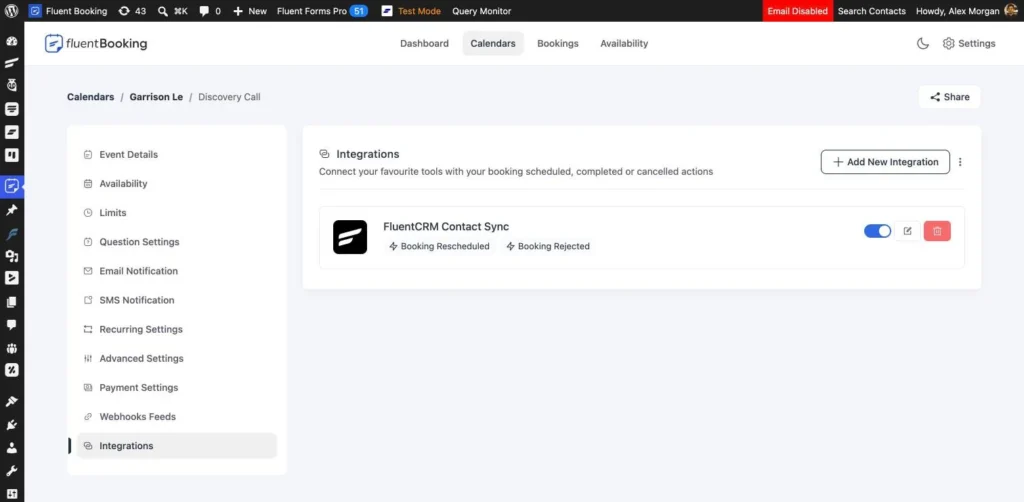
Integrations, Payment Settings, and Webhook Feeds each drew their section header a little differently — different wrapper, different button style, one with no icon at all. They now share the same header the rest of the event settings use, so moving between tabs stops feeling like moving between screens.
Settings fields can also hide themselves now when they don’t apply. A field can depend on another setting’s value and only appear when it matches, which keeps panels short and stops you reading options that do nothing in your setup.
The first place you’ll notice it is PayPal (pro). The option to skip IPN verification only makes sense while you’re testing, so it now appears only in sandbox mode. On a live site the verification always runs. If you have a genuine reason to opt back out on live, there’s a filter for it — but it’s no longer something you can switch on by accident.
Tighter Security Around Your Data
An MCP server is only as safe as the checks behind it, so this release went over the paths that decide who can read and write what.
Imported data is checked properly. Event titles, booking fields, and integration metadata coming in through an import are now sanitized before they’re stored, and importing a calendar requires an explicit owner grant rather than assuming one.
Merge tags stay inside their lane. Merge tags in emails and other templates can no longer be walked through related records to pull out data they were never meant to expose.
Access checks tightened across the board. Event slot lookups now validate the host they’re asked about, admin routes constrain the IDs they accept, and a field that shouldn’t have been writable on the user record no longer is. The underlying framework was updated as well.
Bug Fixes and Stability
PayPal underpayments are caught again (pro). The check that compares what was paid against what was owed was reading a formatted number, so any order of 1,000 or more collapsed to 1 in the comparison — and a payment of about a single unit passed as full settlement. It now compares in whole cents.
Refund totals are recorded correctly. Refunds were being scaled inconsistently depending on the gateway, which pushed offline refunds to a negative hundredfold total and double-scaled PayPal refunds on some currencies. Separately, a rounding quirk left full PayPal refunds a cent short, so a completely refunded order was filed as partially refunded. Both are fixed.
Paid cart bookings get confirmed. When a booking was paid through FluentCart, FluentBooking only heard about it while the cart was still open. Offline orders and gateways that settle a moment later closed the cart first, so the booking stayed pending — no confirmation, no calendar entry, and the scheduler cancelled it later. It now listens for the payment itself.
Recurring series keep their time through DST (pro). Repeating bookings were anchored in UTC, so a weekly 4:15 pm series in Paris quietly became 3:15 pm the week the clocks changed. The rule is now anchored in the booker’s own timezone. Bookings made before this update keep the times they already have.
No more duplicate booking request emails. When a coupon covered the whole price of a booking that still needed manual confirmation, the notification went out twice — two emails to the attendee, two to the host, and two texts if you use the Twilio addon. It fires once now.
Silent changes are actually silent (pro). Twilio ignored the switch that makes a booking change quiet, so an update meant to go through without notifying anyone still sent — and billed for — a text.
Reschedules no longer leave half-written bookings. A reschedule wrote the host, the booking row, and its metadata separately. A failure partway through could leave a booking naming its new host while the time and owner still pointed at the old one. Those writes now succeed or fail together.
Interrupted upgrades retry properly. The database version was being marked as current before the upgrade actually ran, so a timeout mid-upgrade left FluentBooking believing the change had happened. It’s now recorded only after the upgrade finishes.
Everyday polish. A missing integration feed no longer throws a fatal error. Dashboard reports only calculate the figures you asked for and reject impossible date ranges. The standalone booking portal (pro) scrolls properly, keeps its login styles, and stops the theme footer overlapping it. Payment logs match the right transaction type, the plugin details screen no longer shows an undefined version notice, and the Salvadoran colón now has its currency sign.
Wrapping Up
2.4.0 gives you a new way to work with your calendar, an admin you can use from anywhere, and a payment path you can trust a little more than you could last week. The MCP server is off until you turn it on, so nothing changes for you until you want it to.
Update whenever you’re ready, and if you want to try the MCP server, start with the setup guide. Let us know how you get on.
FluentBooking 2.4.0
- Introduced: MCP Server for AI Agents to Manage Bookings
- Added: Dependency Rule for Payment Settings Fields
- Added: Currency Sign for the Salvadoran Colon
- Improved: Overall Admin Responsiveness on Mobile and Tablet
- Improved: Consistent Section Headers Across Admin Settings
- Improved: Live PayPal IPN Skip Removed From UI, Still Available via Filter
- Security: Hardened Input Sanitization, Access Control and Merge Tag Handling
- Fixed: Admin Layout Breaking at Narrow and Mobile Widths
- Fixed: Cart Bookings Stuck Pending After Payment
- Fixed: Duplicate Booking Request Notifications
- Fixed: Report Metrics, Filters and Date Range Validation
- Fixed: Reschedule Writing Partial Data When a Step Failed
- Fixed: Database Version Recorded Before the Migration Completed
- Fixed: Fatal Error When an Integration Feed Is Missing
- Fixed: Recurring Series Shifting an Hour at DST
- Fixed: Refund Totals and PayPal Payment Amount Checks
- Fixed: Twilio SMS Ignoring the Notification Toggle
- Fixed: Standalone Portal Layout, Login Styles and Asset Loading
- Fixed: Order Payment List Matching the Wrong Transaction Type
- Fixed: Undefined Version Notice on Plugin Details
Shahjahan Jewel
Hello, this is Jewel, CEO & Head of Ideas at WPManageNinja. I am obsessed with WordPress since 2009. My aim is to be a user-centric developer first, and a serial entrepreneur second. You will find me discussing various tech issues and trying to come up with scalable solutions on different forums when I am not busy coding.
Table of Content
Subscribe To Get
WordPress Guides, Tips, and Tutorials

Add your first comment to this post