

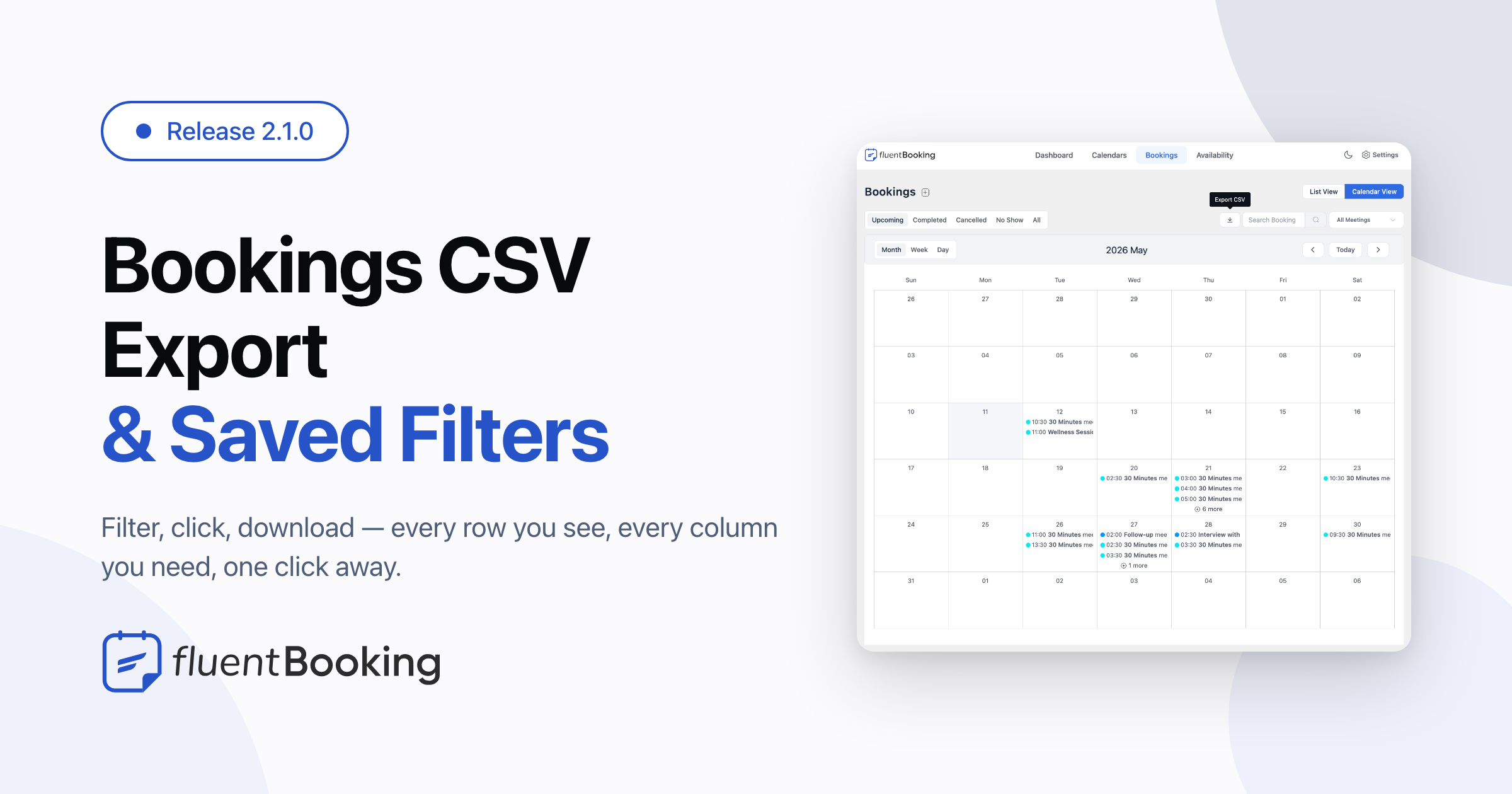
FluentBooking 2.1.0: Bookings CSV Export, No-show Triggers, PHP 8.4 Compatibility & More


FluentBooking 2.1.0 is a focused update on reporting workflows, admin-list ergonomics, scheduler performance, and platform readiness — all without rearranging the day-to-day booking flow you already know.
We shipped Bookings CSV Export right where you’d expect it — a one-click download that respects every filter you’ve already set and every column you’ve ever needed. Alongside it, the admin’s Bookings list now remembers your Author and Status filters between sessions, so you stop re-filtering every time you reopen it.
Under the hood, the scheduler does less work per cycle — fewer queries, snappier dashboard, polite to your hosting plan. And the whole codebase is clean on PHP 8.4, so hosts rolling out the new runtime keep moving without a deprecation log to babysit.
Introduced: Bookings CSV Export with Filter Hooks
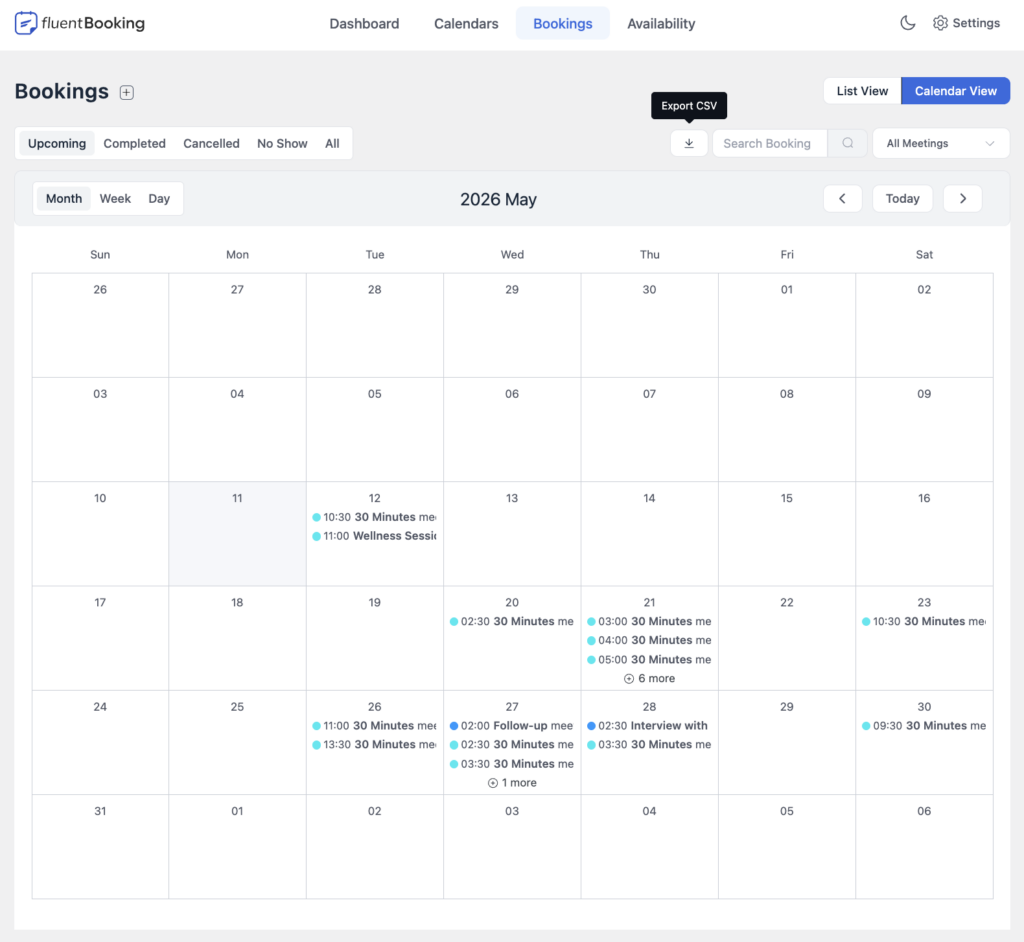
Your bookings, your spreadsheet, your call. The new Export CSV action lives right next to the search box on the Bookings list — built for the moments when copy-pasting just won’t cut it. Whether you’re closing the books at month-end, prepping a CRM import, or pulling attendee lists for a sponsor, the data you’ve been staring at all morning is now one click away.
The export honors everything you’ve already set up — same period, same author, same event type, same search. No second-guessing, no re-filtering, no wading through irrelevant rows. Every line carries the details you actually need: booking ID, group ID, event title, host, attendee name and email, phone, status, start/end time, duration, meeting location, full UTM attribution, source URL, attendee IP and device, timezone, and the booking creation time — so you can split bookings by when they came in, not just when they happen.
If you charge for events, FluentBookingPro grows the file by ten more columns automatically — order number, currency, subtotal, discount, tax, total amount, paid-at, refunded-at, transaction type, and the gateway charge ID — formatted with your store’s currency settings. Accounting reconciliation becomes a single download instead of three tabs of cross-referencing.
Built for real workloads: up to 2,000 bookings per export by default, and the file opens cleanly in Excel, Google Sheets, or Numbers with emojis, accented names, and currency symbols intact. Cross the cap and FluentBooking tells you upfront how many were skipped and prompts you to narrow the filters — so nobody walks away thinking they got the full picture when they didn’t.
Permissions stay sensible: admins export everything, hosts export their own bookings, read-only viewers don’t get a bulk-export firehose they shouldn’t have. For developers, four filters open the export up: fluent_booking/data_export_limit to change the row cap, fluent_booking/booking_export_eager_loads to bring in extra related data, fluent_booking/booking_export_row to add, modify, or remove columns per row, and fluent_booking/booking_export_columns for a final pass over the assembled rows.
Added: No-Show Trigger for FluentCRM Automations
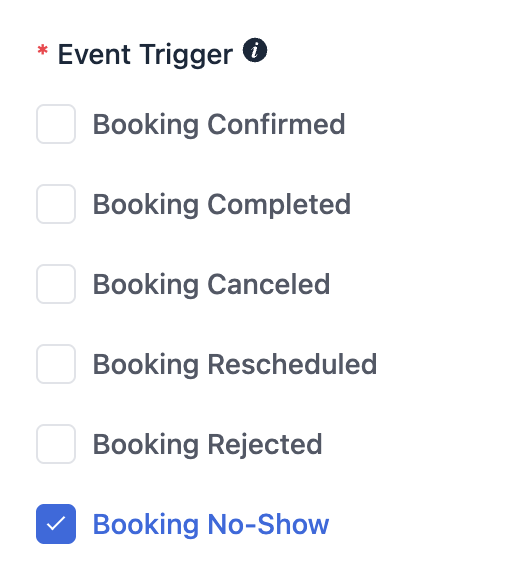
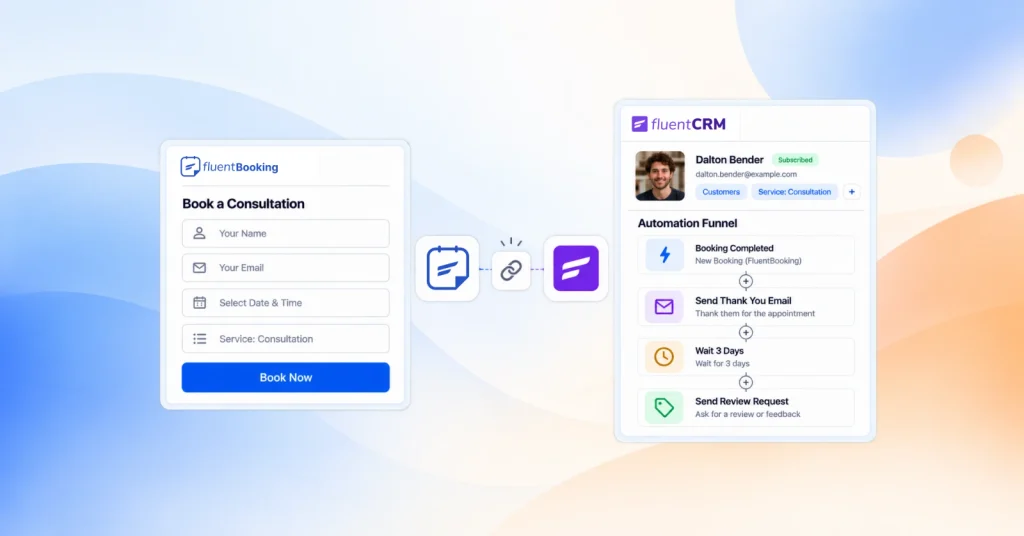
No-shows are a workflow signal, not just a status badge. FluentBooking 2.1.0 adds a No-Show trigger to the FluentCRM event feed — the moment you mark a booking as a no-show, your CRM automations fire. Tag the contact, drop them into a re-engagement sequence, send a “we missed you” email, or route them to a sales follow-up list. No manual cleanup, no exports, no glue scripts.
Pair it with the existing booking-created and cancelled triggers and you’ve got the full attendance lifecycle wired into FluentCRM — every state the booking lands in pushes the contact into the right journey automatically.
Added: Saved List Filters on Bookings
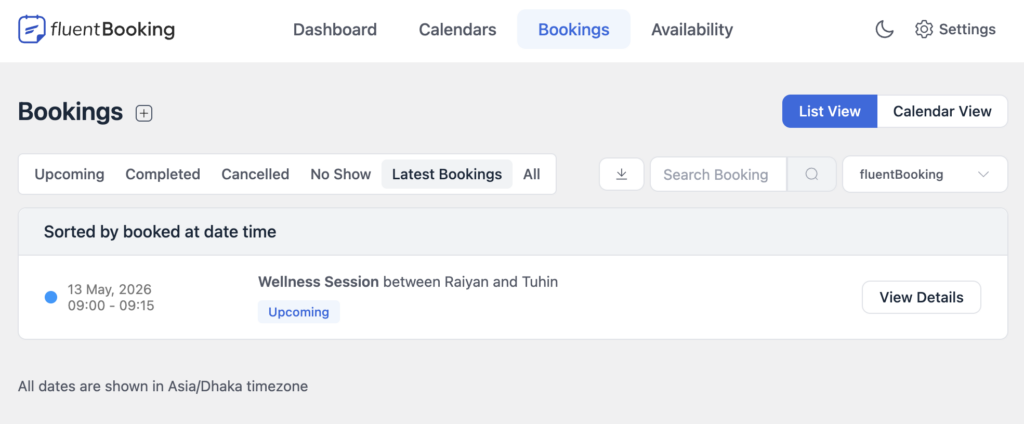
You’ve already picked an Author. You’ve already narrowed to Cancelled. Then you click into a booking, hit back, and… everything resets. Not anymore. FluentBooking 2.1.0 persists your Author and Status filters in browser local storage, so the Bookings list reopens exactly where you left it — across reloads, across tabs, across days. Less re-filtering, less muscle-memory drift, more time on the bookings that actually need you.
Added: PHP 8.4 Compatibility
If you’ve updated your stack to PHP 8.4, FluentBooking 2.1.0 runs clean — no deprecation warnings on null-to-string coercion, no spurious notices in the request log. Hosting providers rolling out PHP 8.4 by default? You’re covered.
Improved: Snappier Scheduler and Admin Queries
Behind the scenes, FluentBooking’s scheduler now plays nice with busy databases. Reporting widgets, scheduler runs, and team listings all do less work per page load — so the dashboard feels a touch quicker on every screen, and your hosting plan stops getting yelled at on the busy weeks.
Improvements and Bug Fixing
- Added: FluentCart slot icon and a unified event-price source so multi-duration events quote the same price across the booking flow and reporting hooks
- Added: Uploaded files are now cleaned up automatically when a booking is deleted — no orphaned attachments lingering in
uploads/ - Added:
fluent_booking/recurring_default_occurrencefilter for customizing the default occurrence on recurring-event booking pages - Added: Option to disable the start date in the Fluent Boards integration
- Improved: Calendar deeplink body now renders with proper line breaks in the destination calendar’s event description
- Security: Authorization hardened across calendars, events, schedules, and integrations — every controller now scopes lookups to what the current user actually owns
- Security: OAuth state is now validated against the current user, closing a cross-account hand-off window
- Security: Transient-backed ownership proof required before deleting a booking’s uploaded file
- Security: ICS
DESCRIPTIONand meeting-location output are now escaped against injection - Fixed: Apple Calendar event renders with the host’s timezone via TZID — meetings synced to iCloud appear at the correct local time across Mac, iPhone, and iPad, with DST switches handled automatically
- Fixed: Outlook add-to-calendar now shows the right time and full event details
- Fixed: FluentCart checkout correctly prefills split first/last name fields
- Fixed: FluentCart checkout no longer conflicts with the WooCommerce flow on shared bootstrap
- Fixed: Stripe sub-cent truncation and coupon amount conversion now match expected currency precision
- Fixed: Date field is now selectable on iPhone Safari
- Fixed: Webhook “selected fields” payload now includes the Source URL option
- Fixed: Host CSV export no longer crashes on null transactions and the column header matches the row data
- Fixed: System-expired pending bookings now fire the
auto_cancelledhook with a consistent payload, so downstream automations stay in sync - Fixed: Report’s “next meetings” widget orders by earliest start time and picks a single row per group
- Fixed: Calendar no longer flashes a “no availability” message when auto-advancing to the next month
- Fixed: Slot booking view is returned correctly instead of falling through to the host page
- Fixed: Null safety hardened across multi-time, multi-guest, cart, and calendar booking paths
- Fixed: Imported calendar entries are validated for required fields before being saved
- Fixed: Integration “enabled” flag is preserved when saving from the integrations panel
- Fixed: Minor dark-mode and responsive polish across the dashboard
Conclusion
FluentBooking 2.1.0 is a well-rounded update that focuses on what matters most, such as reporting workflows, admin ergonomics, and scheduler performance. Alongside these improvements, this release also includes important fixes and refinements to deliver a smoother and more reliable experience overall.
Thank you for your continued support and feedback.
Shahjahan Jewel
Hello, this is Jewel, CEO & Head of Ideas at WPManageNinja. I am obsessed with WordPress since 2009. My aim is to be a user-centric developer first, and a serial entrepreneur second. You will find me discussing various tech issues and trying to come up with scalable solutions on different forums when I am not busy coding.
Table of Content
Subscribe To Get
WordPress Guides, Tips, and Tutorials

Add your first comment to this post