

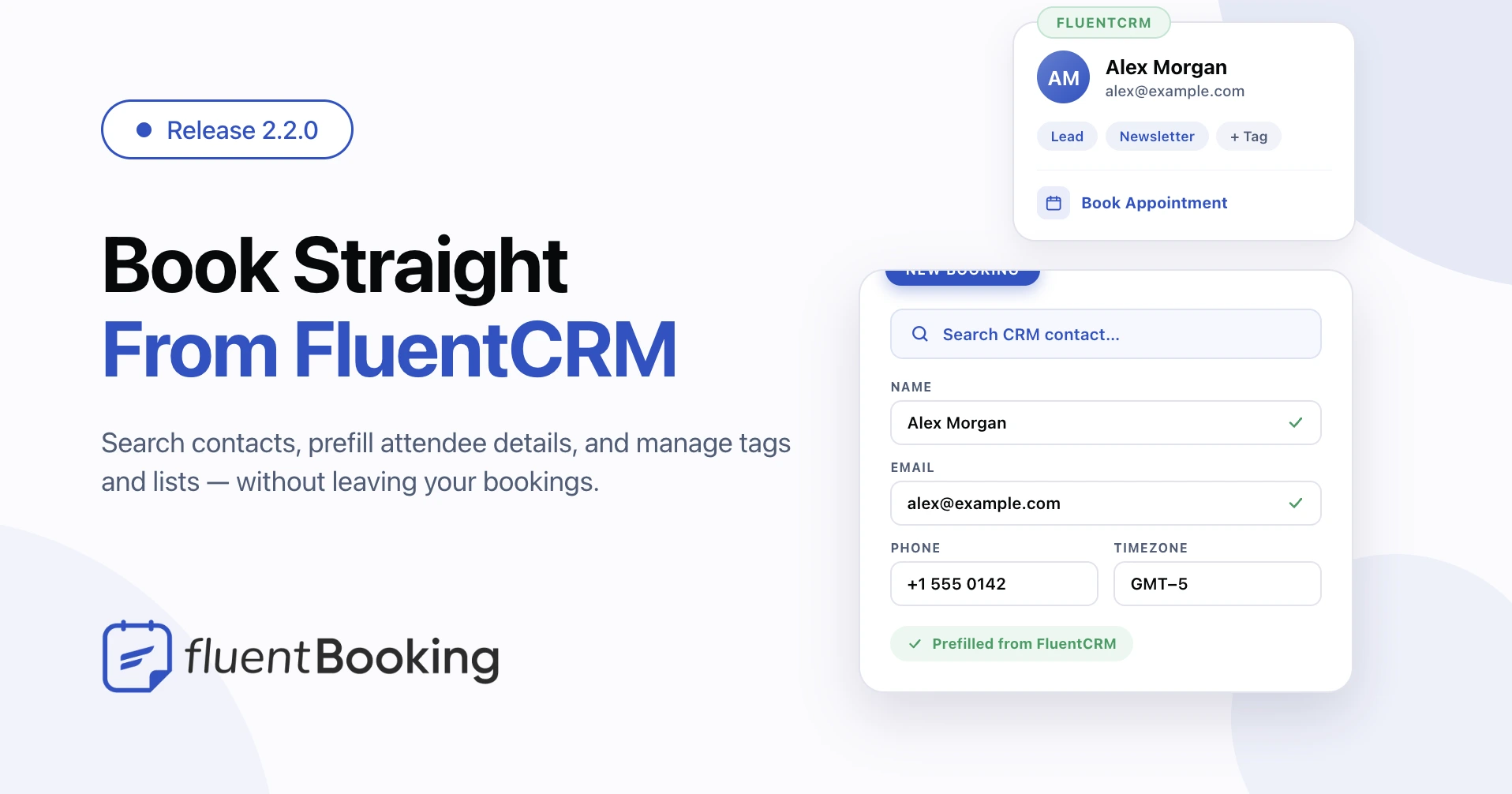
FluentBooking 2.2.0: Book Straight From FluentCRM, Prefill Contacts, and Manage Tags


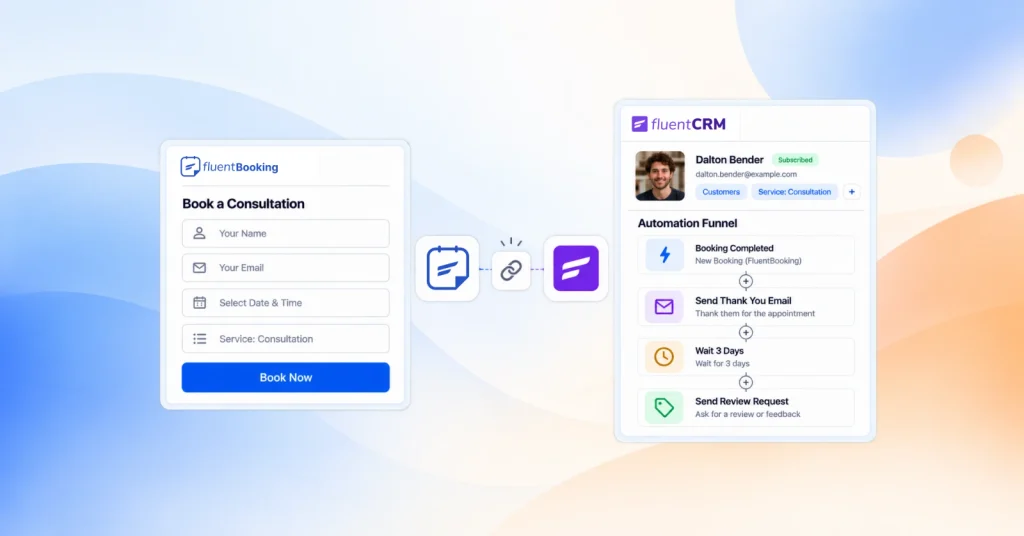
FluentBooking 2.2.0 brings your bookings and your contacts closer together. If you run FluentCRM, you can now start a booking straight from a contact’s profile, fill in attendee details with one click, and manage a contact’s tags and lists right from a booking. This release also clears up a handful of calendar and reschedule issues so day-to-day scheduling feels more reliable.
At a glance: Book Appointment from FluentCRM, CRM contact search and prefill in the admin booking screen, and tags and lists management inside booking details — plus a security hardening for guest reschedules and several calendar fixes.
Start a Booking Right From a FluentCRM Contact
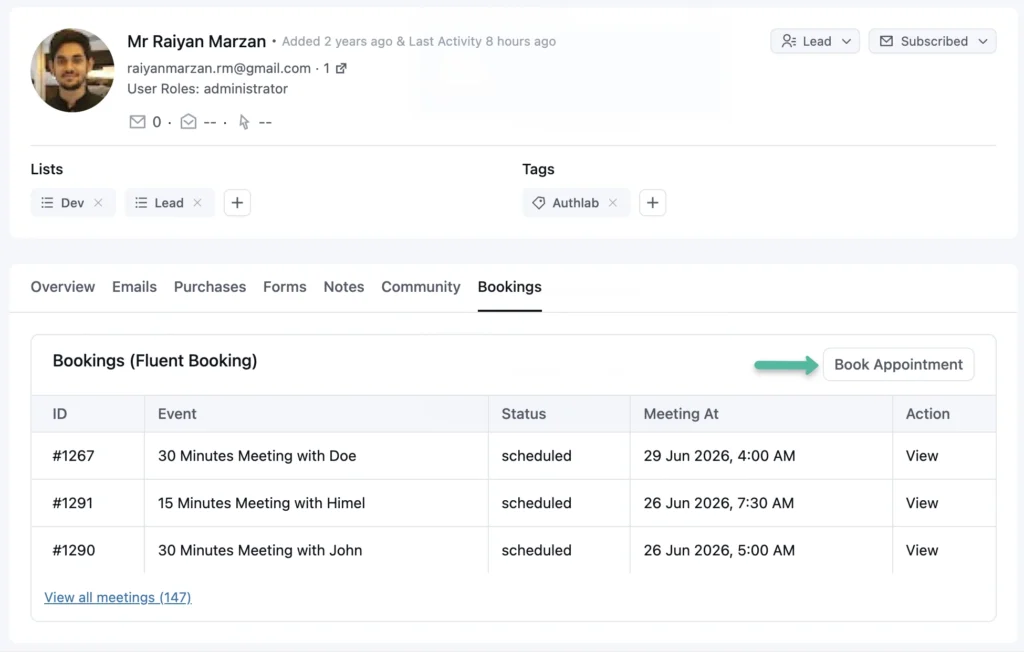
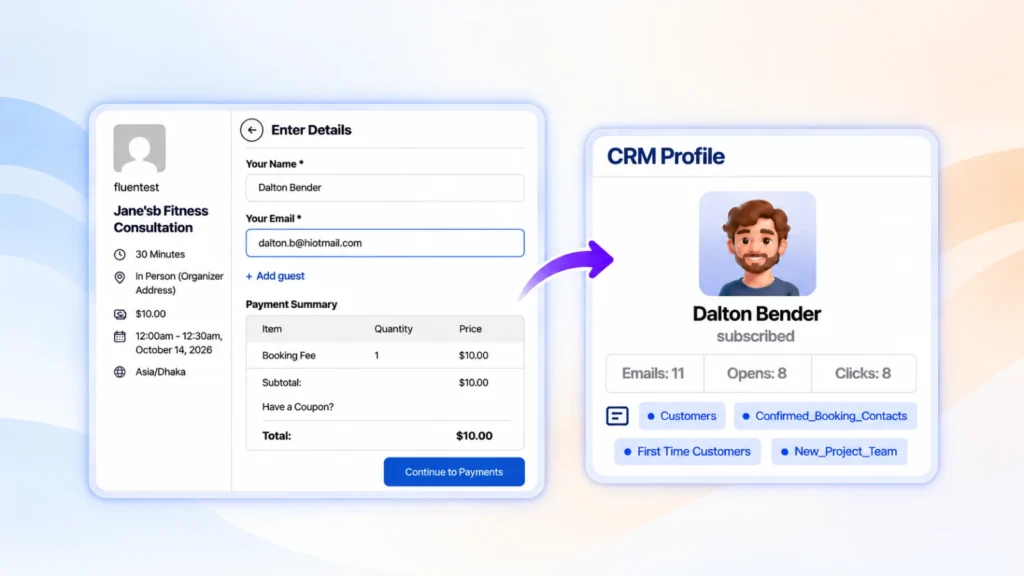
Open any contact in FluentCRM and you’ll find a FluentBooking section on their profile. It lists the contact’s meetings and adds a Book Appointment button. One click takes you straight to the booking screen, with that person’s details already filled in.
No more copying an email across, then typing it back in. You begin from the contact you’re already looking at, and FluentBooking carries their details over for you. This needs the free FluentCRM plugin to be active.
Search and Prefill Contacts in the Booking Screen
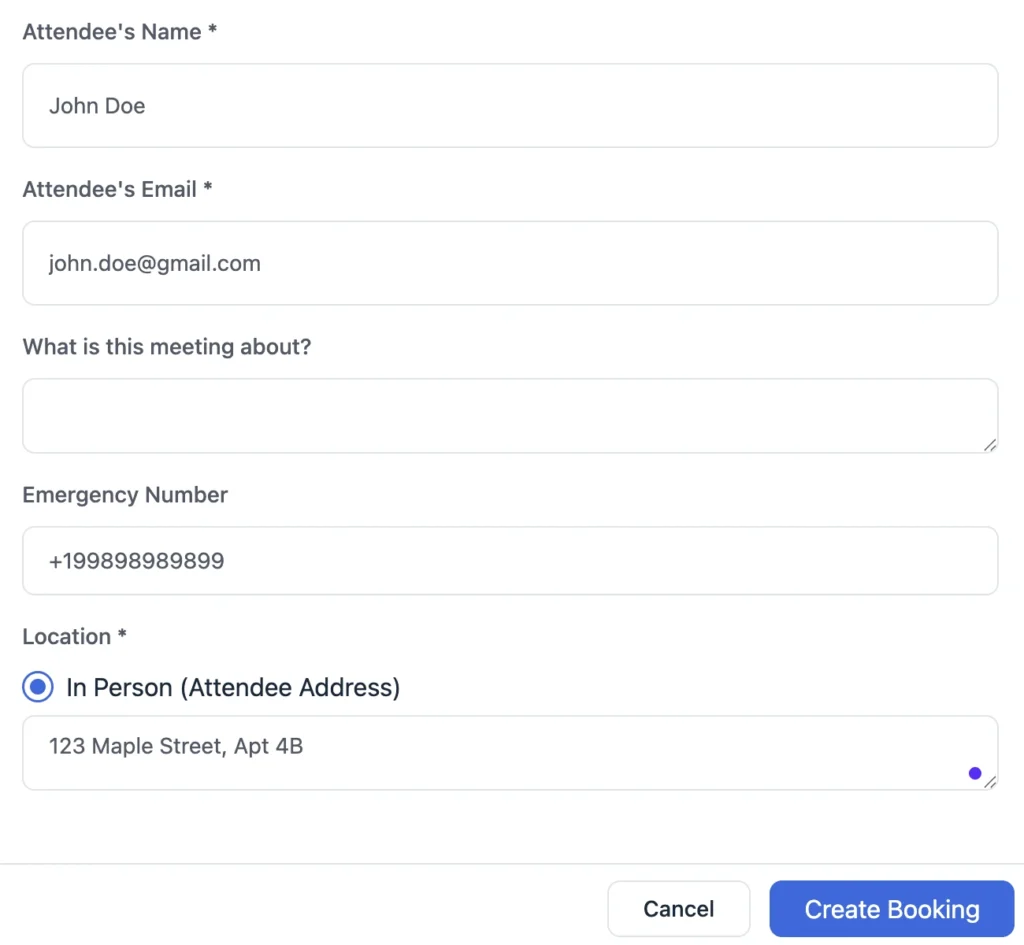
When you add a booking from the admin, you can now search your FluentCRM contacts by name or email and pick the right person. FluentBooking fills the attendee details for you.
Prefilled details come straight from the contact record:
- Name and email
- Phone number
- Timezone and address
Access respects your existing permissions: you’ll only see this when you have booking access and permission to read FluentCRM contacts, so contact data stays protected.
Manage Tags and Lists From Booking Details
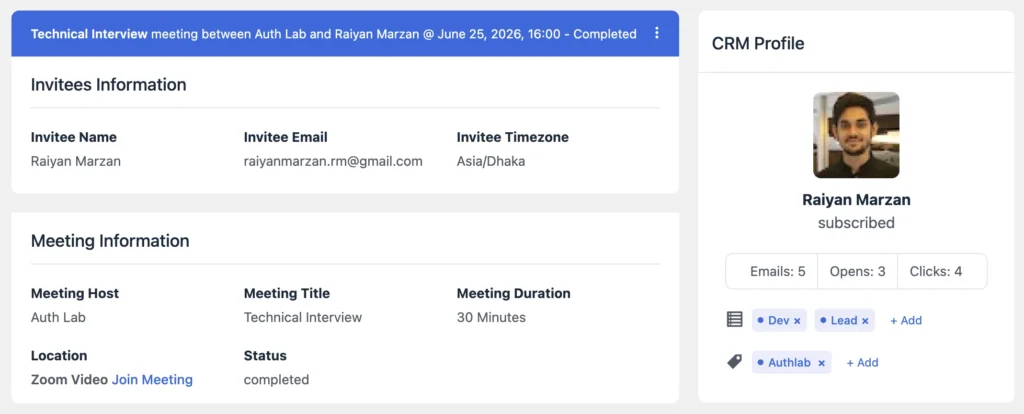
Open a booking and the new CRM profile card shows the attendee’s FluentCRM tags and lists. You can add or remove them right there, without switching over to FluentCRM.
It’s a faster way to keep your audience organized — tag a new lead, add them to a list, or clean things up while you’re already reviewing their booking. The tag and list picker also got a clearer empty state, quicker search, and translated loading messages.
A Smoother Admin Experience
Loading skeletons in booking details. Booking details now show a loading placeholder while data arrives, so the panel feels quicker and less jumpy.
A safety check before deleting questions. Removing a booking question now asks for confirmation first, so you don’t lose a field by accident.
Cleaner look on mobile and in dark mode. The mobile toolbar buttons and scheduler backgrounds were refined, and a dark-mode footer background color issue in the admin was fixed.
Bug Fixes and Stability
Safer guest reschedules. Reschedule requests are now rejected when the posted event doesn’t match the booking’s own event, closing a gap where availability could be checked against the wrong event.
Reliable Add to Calendar. ICS “Add to Calendar” links now import correctly in Google Calendar, the calendar app opens as expected, and event descriptions no longer show a literal \n instead of line breaks.
Calendar visibility and team access. Shared calendar events now appear for users with limited permissions, and team-member hosts are no longer blocked from viewing their own bookings.
CRM polish. The CRM profile card no longer overflows in booking details, prefill now works correctly for FluentCRM managers, and stale search results or prefill data no longer overwrite the attendee you’re working on.
Wrapping Up
FluentBooking 2.2.0 makes booking for known contacts effortless and tightens up the everyday scheduling flow. If you use FluentCRM, the new contact tools will save you real clicks every day.
Update to 2.2.0 whenever you’re ready and enjoy a smoother, more connected booking experience.
FluentBooking 2.2.0
- Added: CRM Contact Search and Prefill in Admin Booking
- Added: Book Appointment for a FluentCRM Contact
- Added: Manage CRM Tags and Lists From Booking Details
- Added: Question Delete Confirmation
- Improved: CRM Picker Empty State and Search
- Improved: Mobile Toolbar Button and Scheduler Backgrounds
- Security: Hardened Booking Reschedule Against Mismatched Event Requests
- Fixed: ICS Description Formatting Issue
- Fixed: Add-to-Calendar Reliability for Google calendar
- Fixed: Shared Calendar Events Not Showing for Limited Users
- Fixed: Team-Member Hosts Blocked From Their Own Bookings
- Fixed: CRM Profile Card Overflow in Booking Details
- Fixed: Admin Dark Mode Footer Background Color
Shahjahan Jewel
Hello, this is Jewel, CEO & Head of Ideas at WPManageNinja. I am obsessed with WordPress since 2009. My aim is to be a user-centric developer first, and a serial entrepreneur second. You will find me discussing various tech issues and trying to come up with scalable solutions on different forums when I am not busy coding.
Table of Content
Subscribe To Get
WordPress Guides, Tips, and Tutorials


Add your first comment to this post